Scout Camera Box - USBC-PD


As low as $589.00
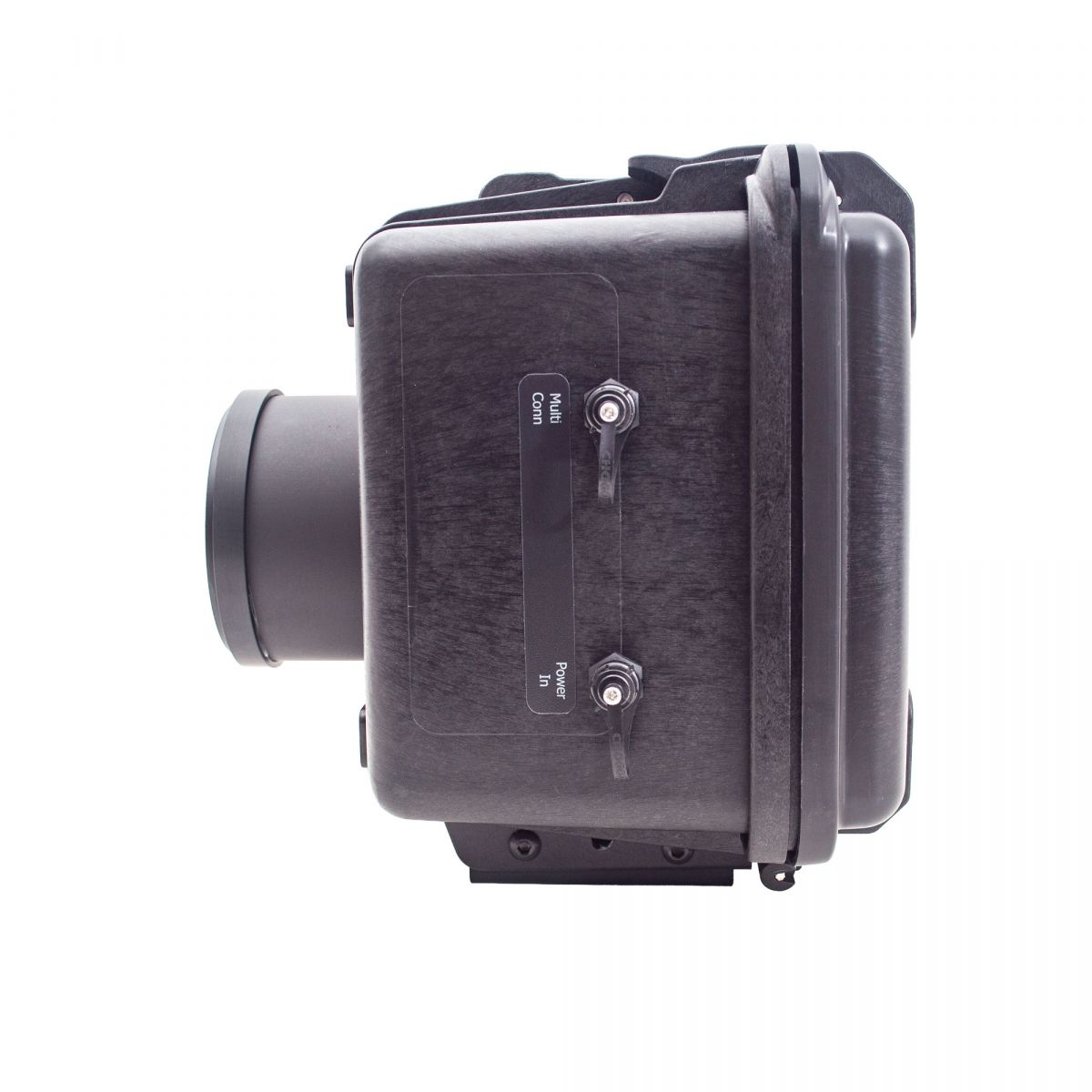
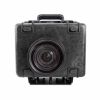
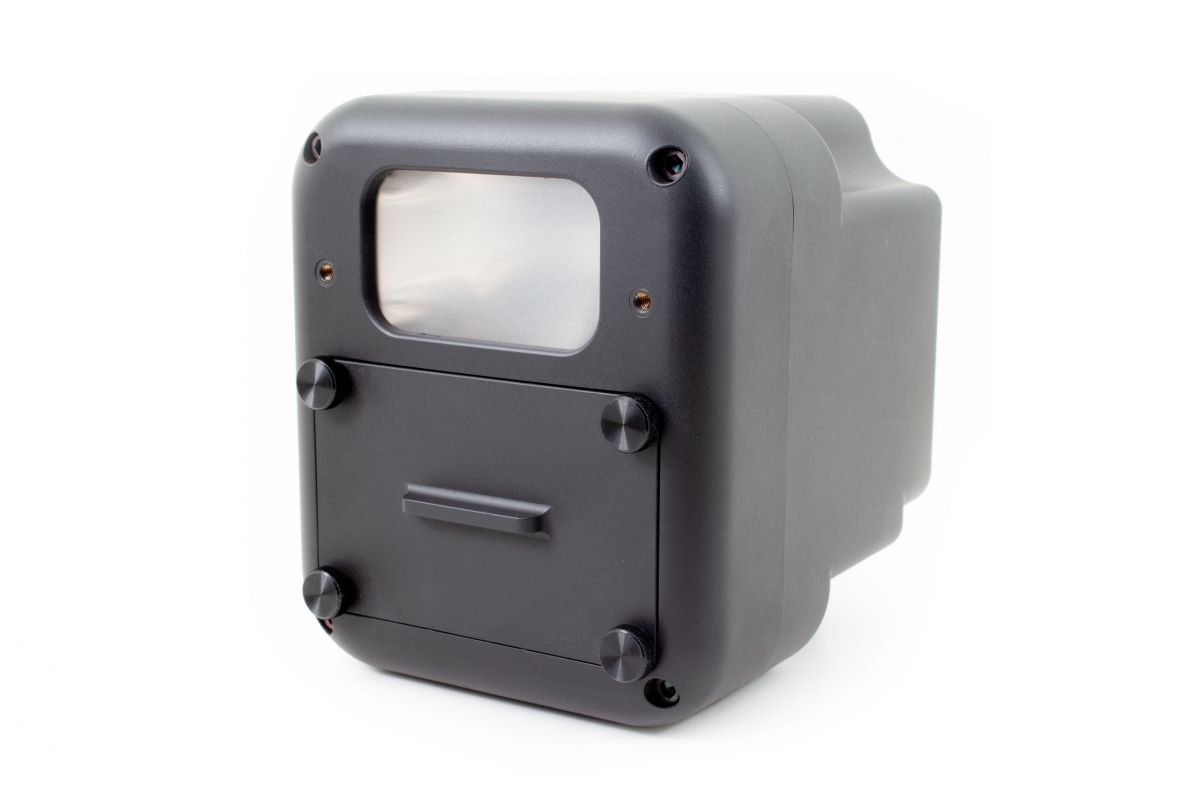
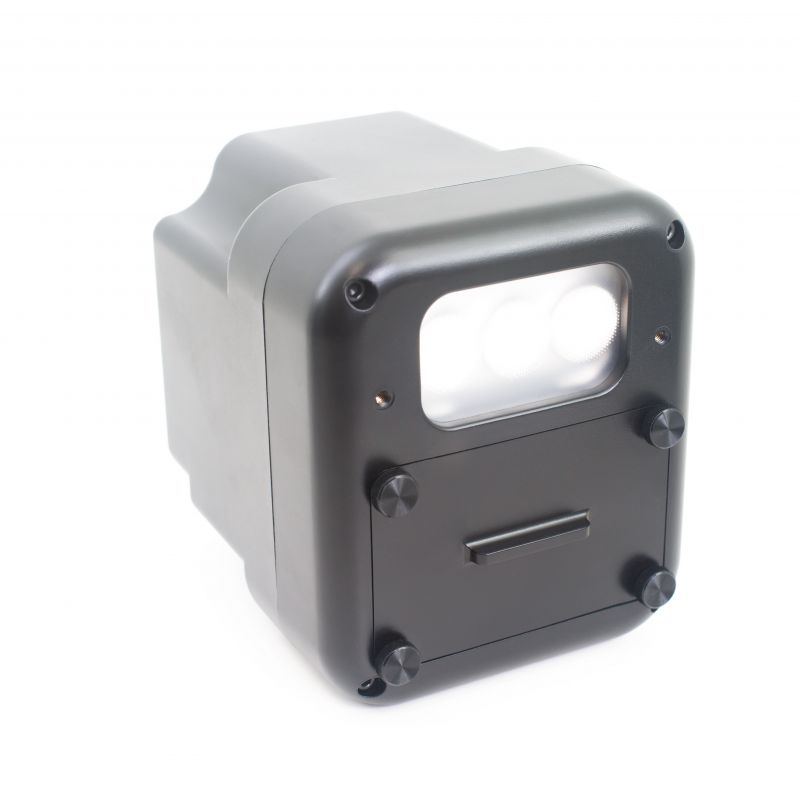
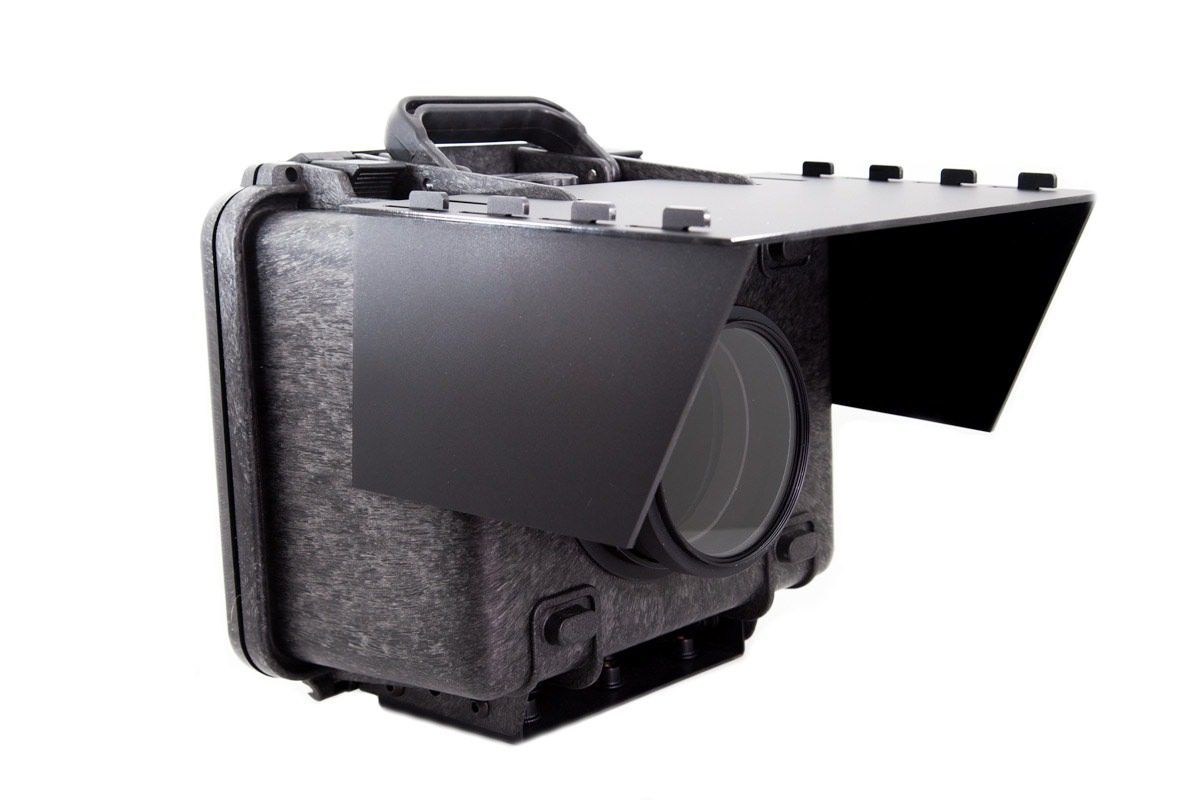
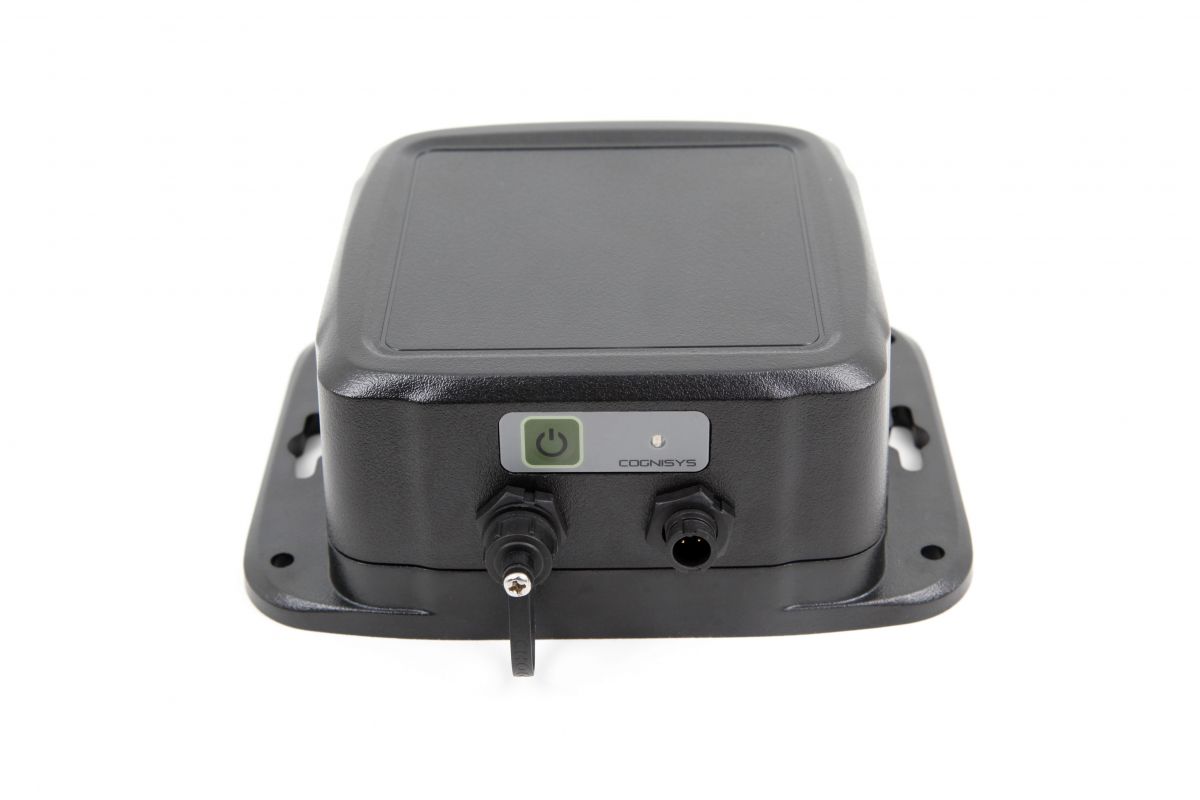
The Scout Camera Box offers everything you will ever need in a camera trapping system. This starts with wireless communication with the Scout receiver, Scout PIR, Scout Flashes and LED video lights. Say good bye to nibbled wires ruining your trail monitors.
This system is configured using your mobile device (iPhone or Android) for easy in field configuration.
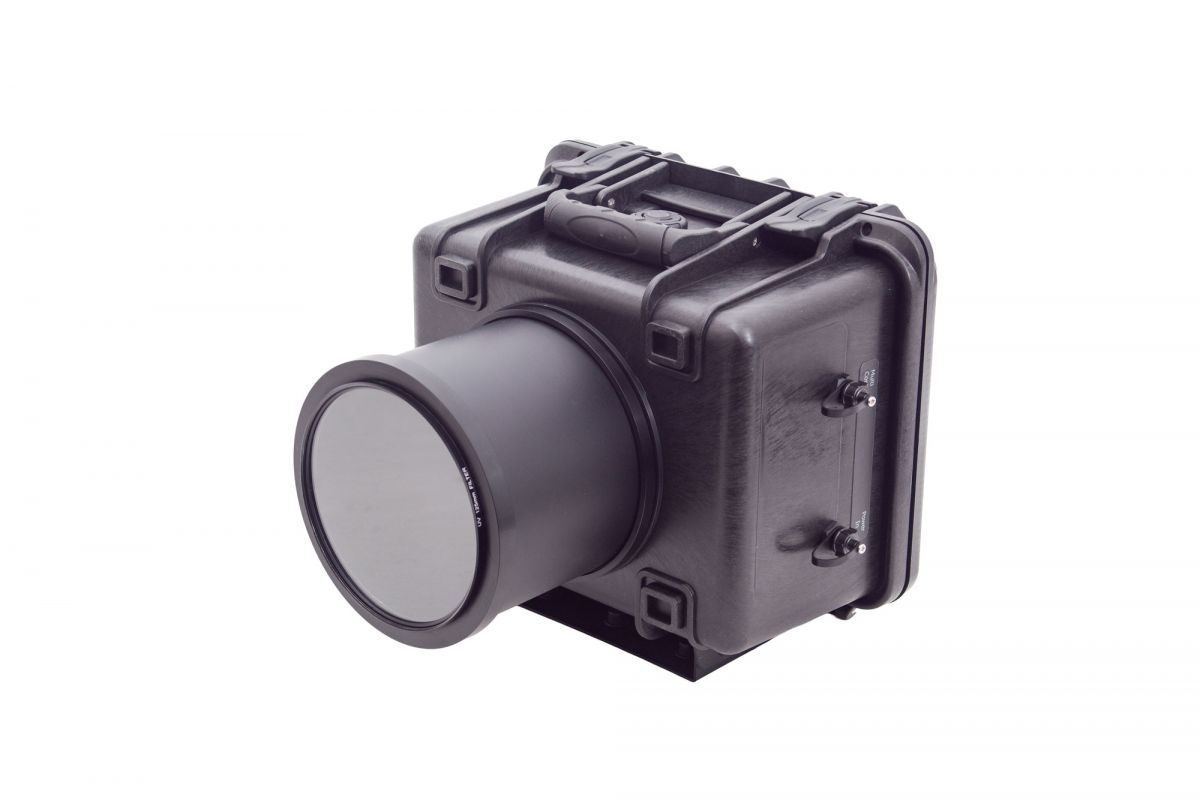
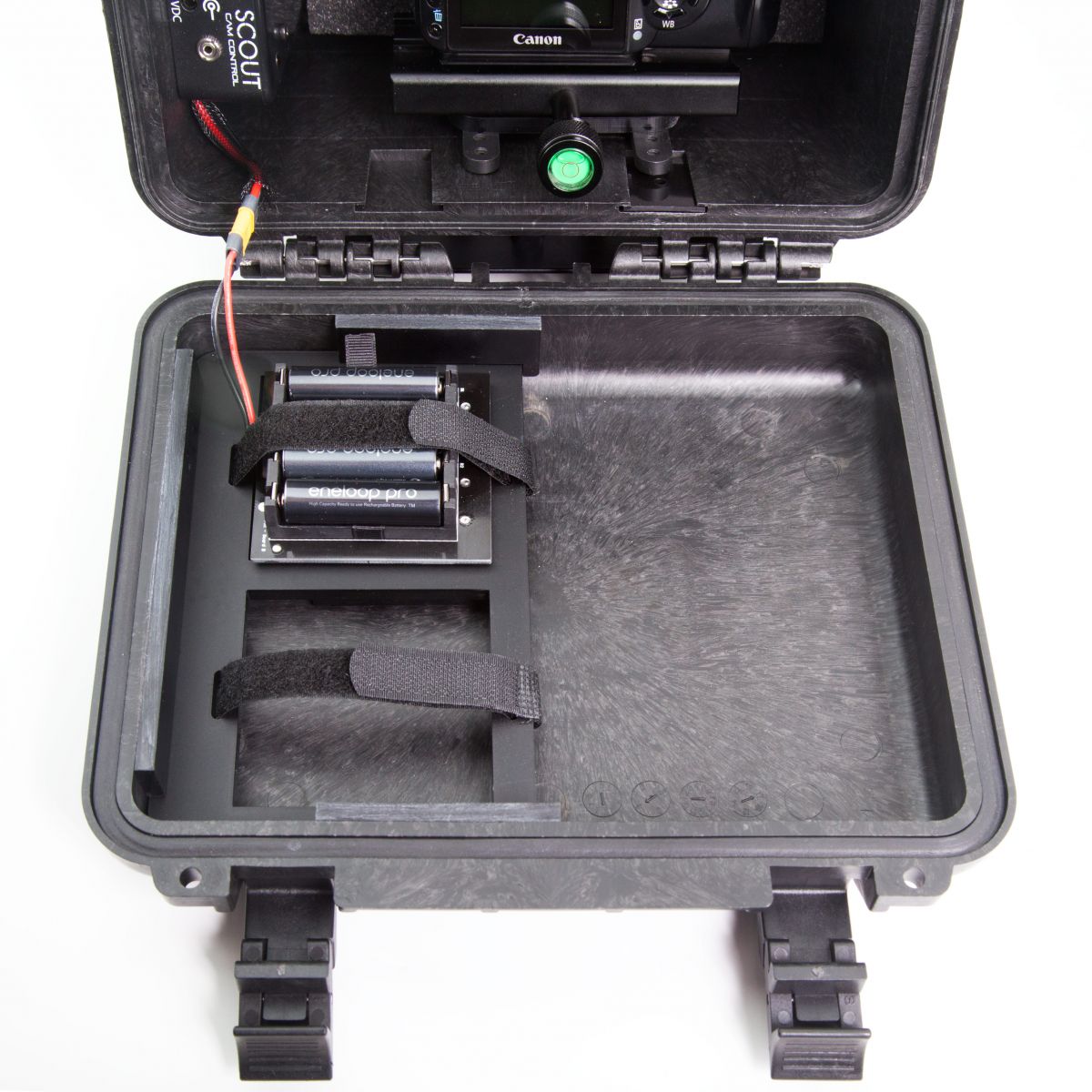
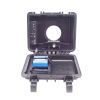
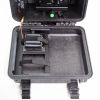
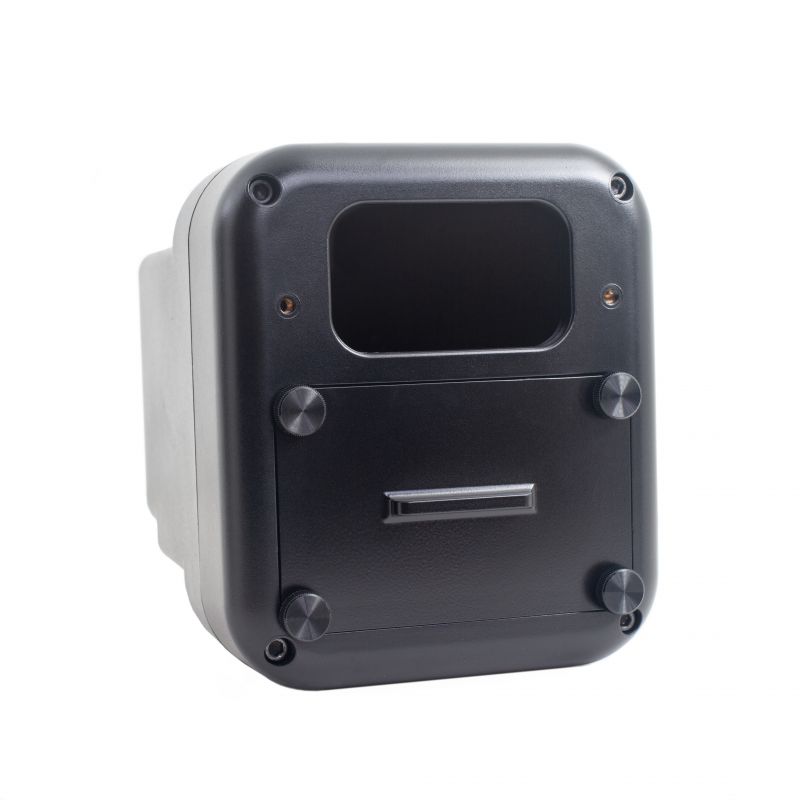
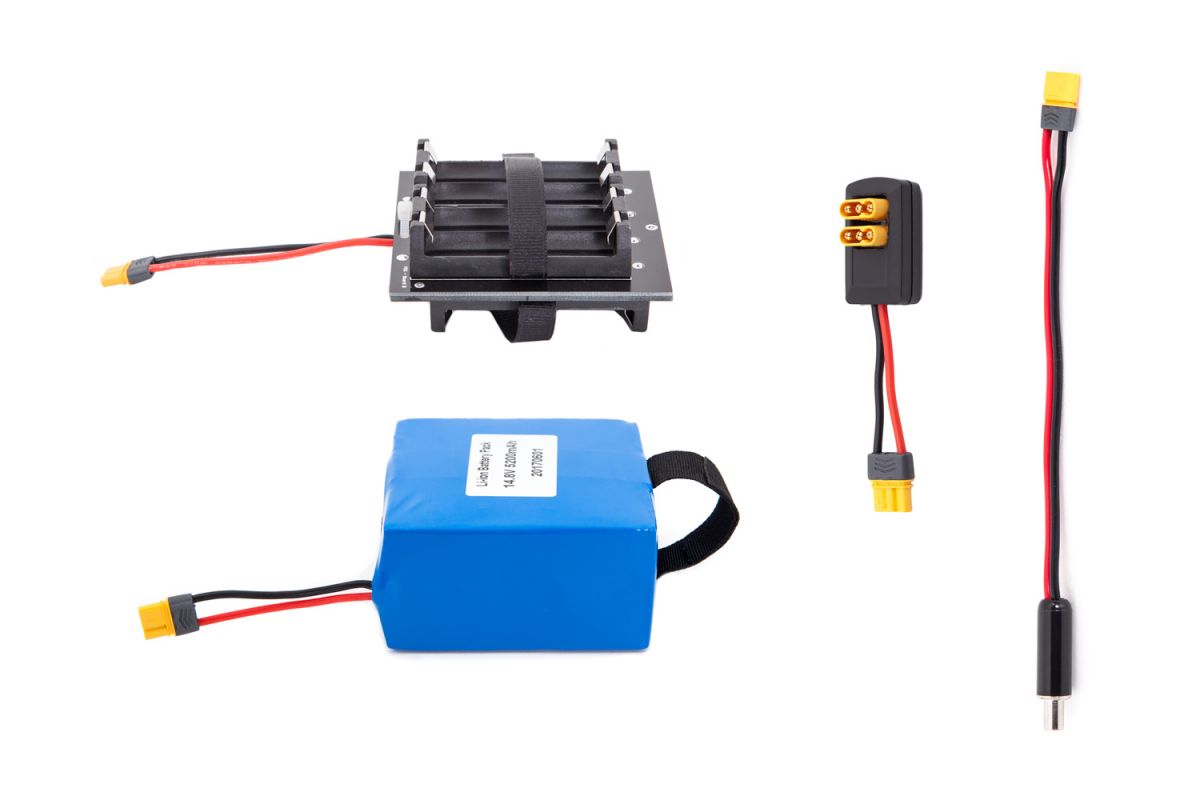
The box is built around an IP67 waterproof enclosure for maximum protection for your camera and lens. It has slots for two battery packs, either AA or Li-Ion for extended deployments. It also has an on board power supply for your camera allowing it to be powered from the camera box battery packs. Keeping with Cognisys tradition the box is fully configurable allowing you to program in wake-up times for 1/2 press, full press and even auxiliary loads like video lights or external flashes.
What's Included
- Camera Box and Camera Controller
- Sealed lens tube (choose length below)
- Quick release camera mount and camera plate
- Laser cut foam insert for the front of the camera box
-1/8" Allen Key to move camera clamp if needed
- Li-Ion Battery pack - (optional)
Camera, Security Cable and AA batteries not included.
The Scout Camera Box Gets USB C
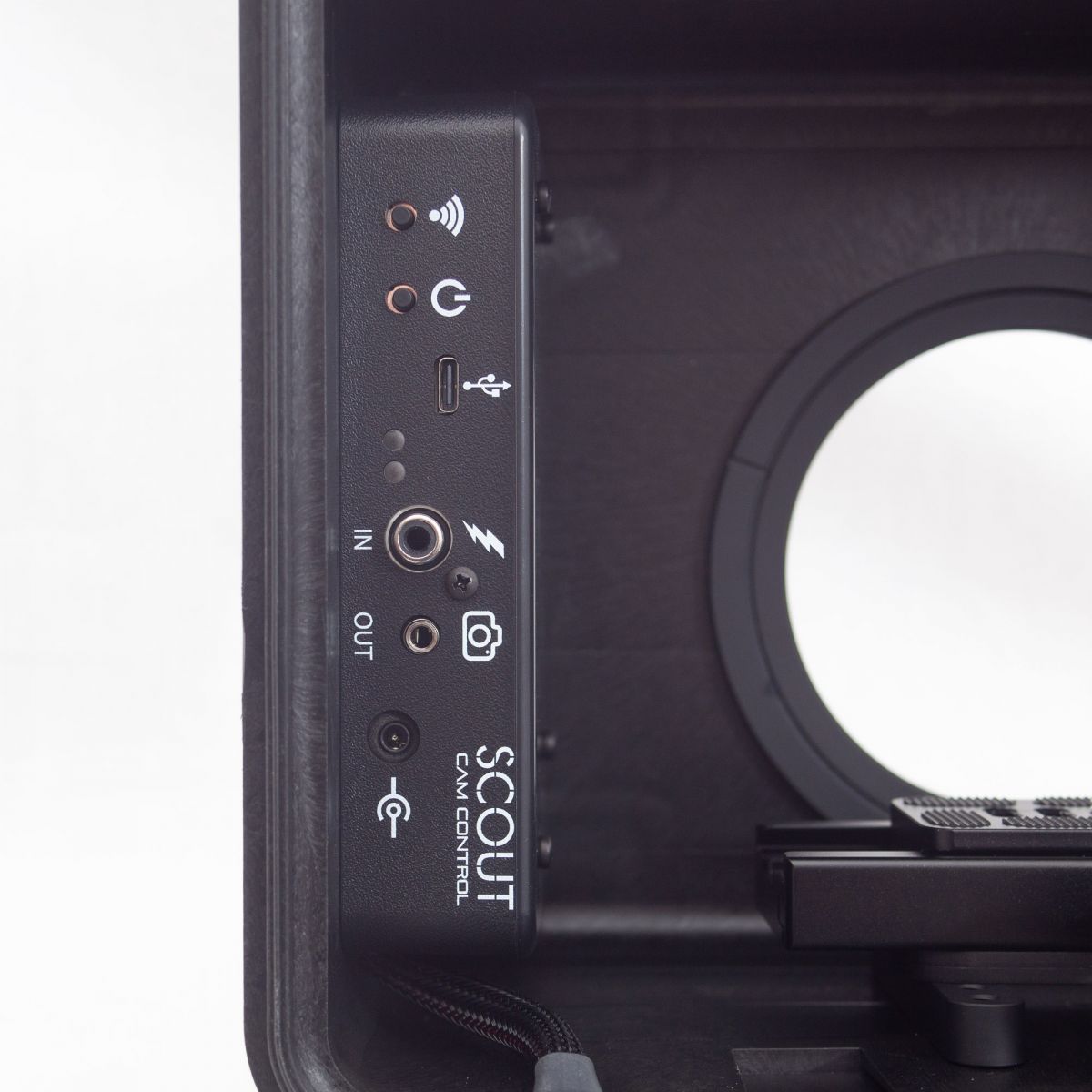
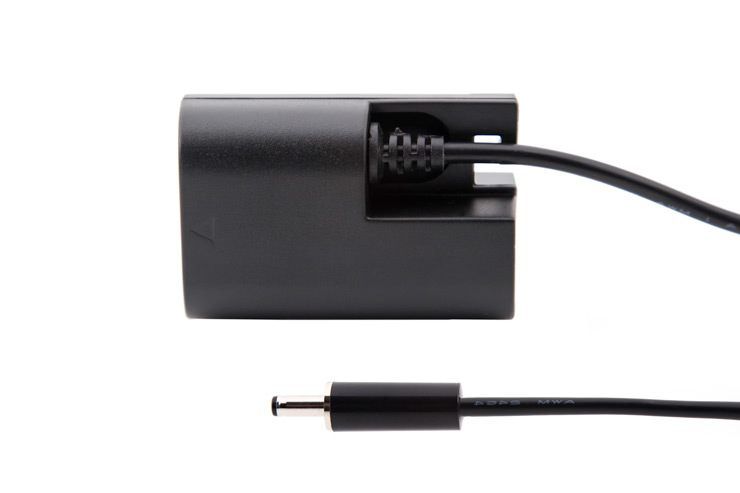
The Scout Camera Box Controller has been redesigned to include USB C with power delivery. This means you can now power your camera via the USB C port on the Scout Camera Box. No more dummy battery needed. Put your factory battery in your camera and connect the USB port from the camera controller to your camera and the camera box will provide the power required to keep your camera powered and the battery charged. Your camera will need to support battery charging over USB C. You will still need a shutter interface cable to control the taking of an image or recording of a video. The USB protocol is too heavy and lacks the power management required for supporting camera control for long term power sensitive applications. In order to keep the cost down we have also eliminated many of the external connectors for the Camera Controller. More details about USB power delivery feature on the FAQ tab.
About the Scout Camera Box
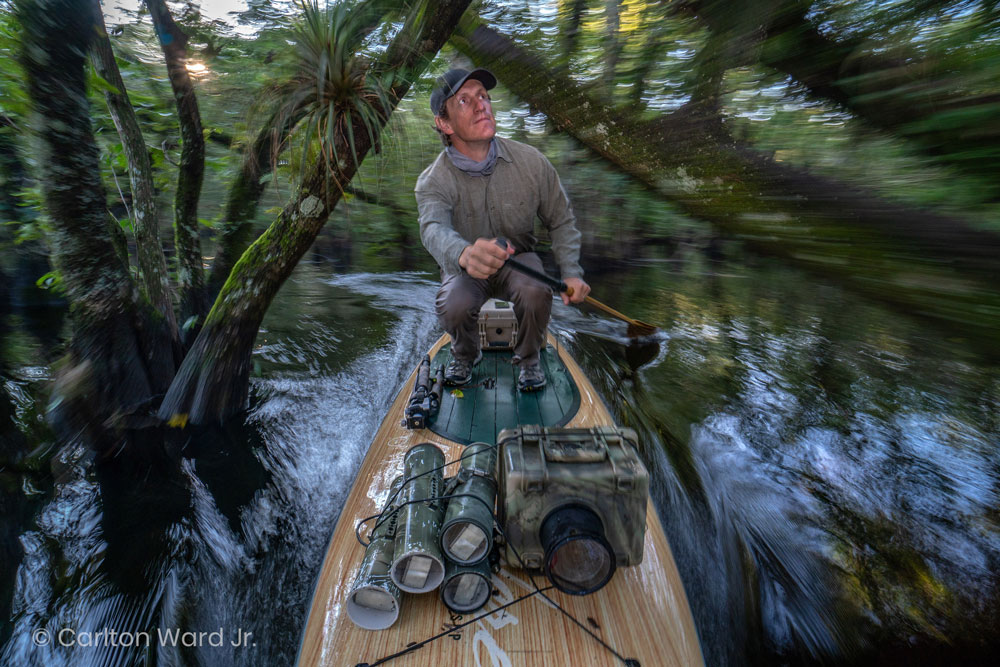
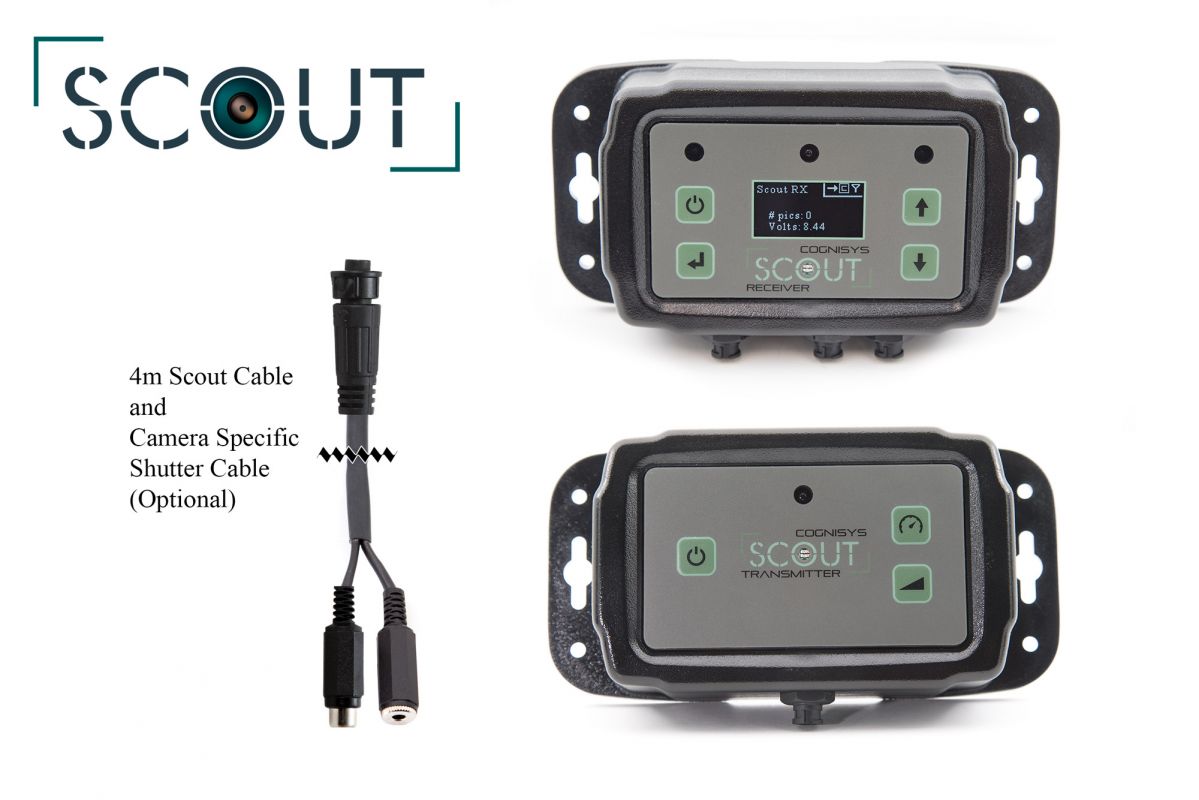
If you have done any camera trapping you know how much work it is - if it can go wrong it will. The Scout Camera Box was designed to help out with all of the little gotcha's of camera trapping. Starting by getting rid of the wires. The Scout Camera Box has 2.4 GHz wireless transceiver in it so it can communicate directly with the Scout Receiver for wireless triggering - no more worrying about the wires getting in the image or worse yet getting chewed and rendering your camera trap useless.
Scout Camera Box Features
- Fully weatherproof housing for your D-SLR or mirror-less camera.
- Compatible with any camera that has an external shutter release - it also helps battery life if your camera can be woken up using this port.
- Wifi (802.11 a/b/g/n) connectivity to your computer, tablet, or phone to adjust all of the settings.
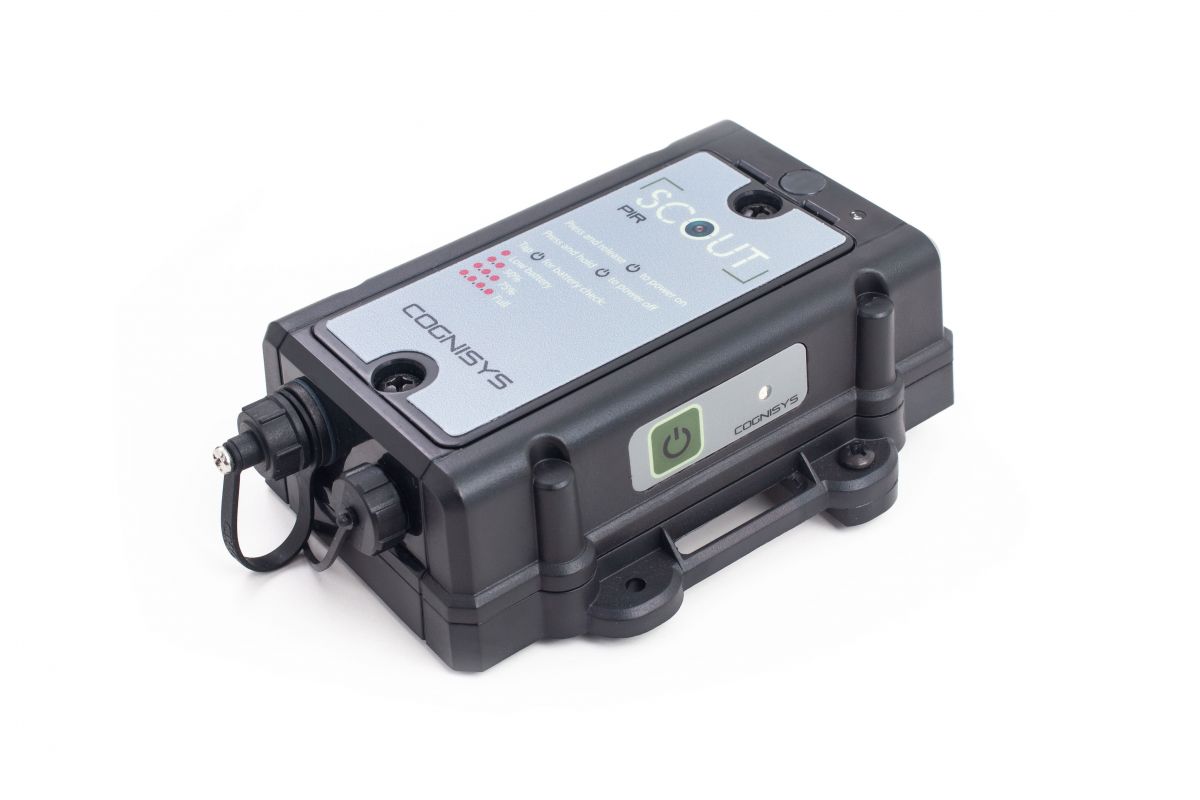
- Wireless connectivity to other Scout products: - Scout sensor sends a wireless trigger signal to the Scout Camera Box when the subject is detected
- >100 days of battery life in standby with a single battery
- Customizable camera control (number of pictures, time windows, etc).
- Camera flash sync input on the inside of the box.
- Support for 2nd External Camera via a waterproof external bulkhead connector.
- External Power connection for external batteries.
- Complex multiple triggering options (for example): - PIR #1 activates lighting bank on the left
- Time-lapse feature.
- Shot limiter - Can limit the number of shots to reduce nuisance triggers (curious squirrels).
- Supply power to your camera from the Scout Camera Box Batteries with USB-C or the optional Dummy Battery Packs.
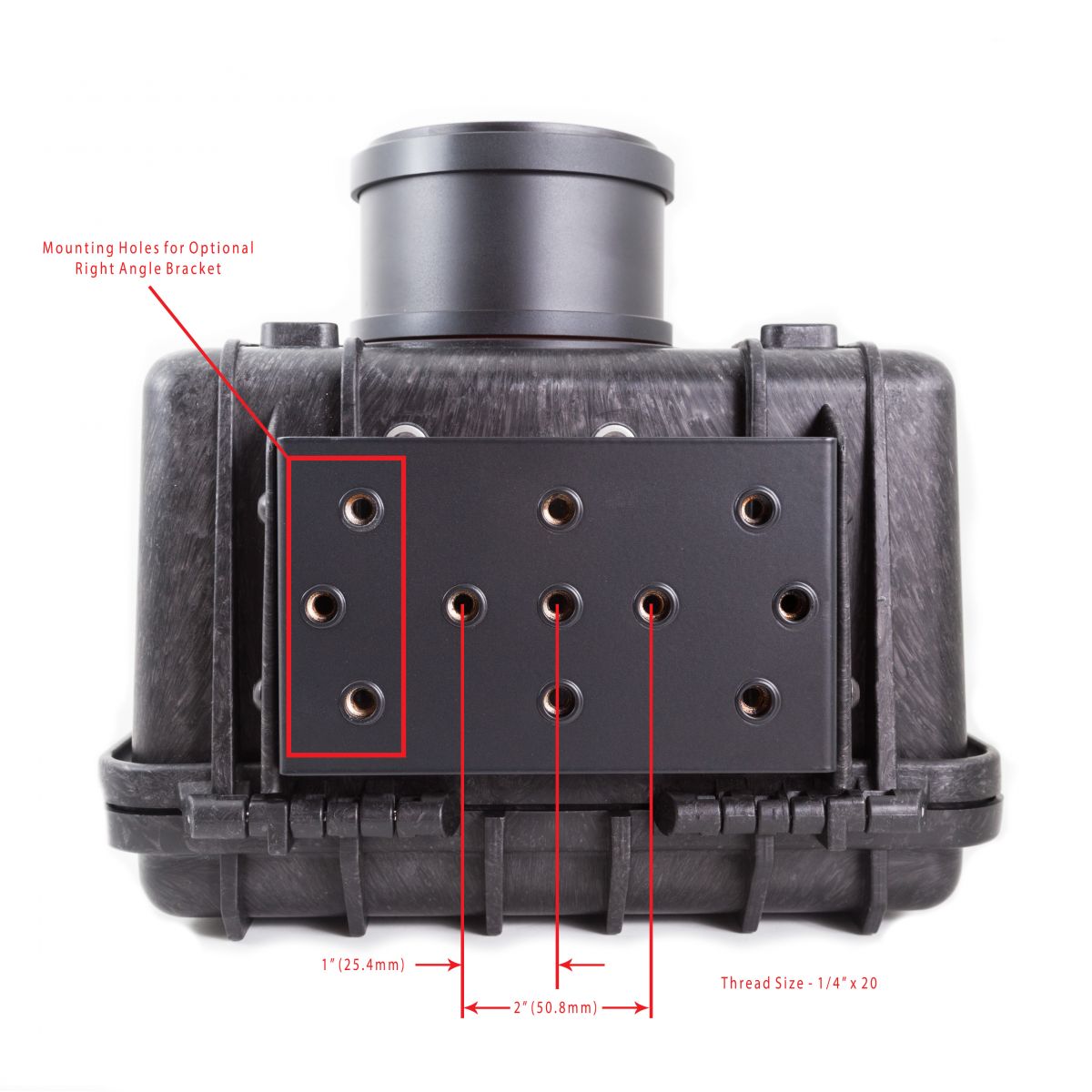
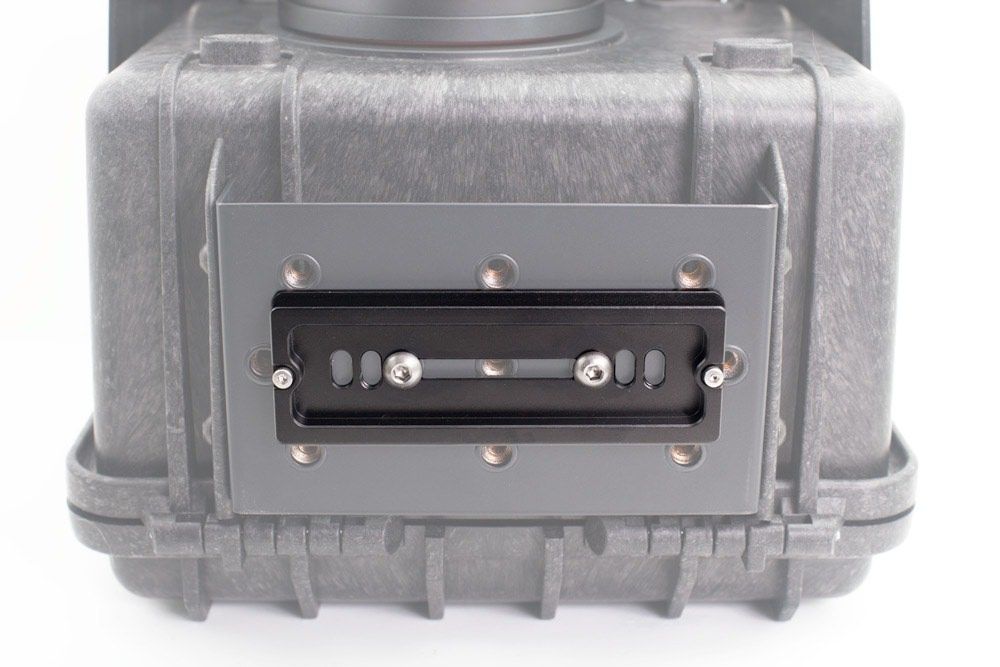
- Multiple ¼-20 tripod mounts.
- Battery packs can be doubled up for long-term deployments with a Battery Y cable.
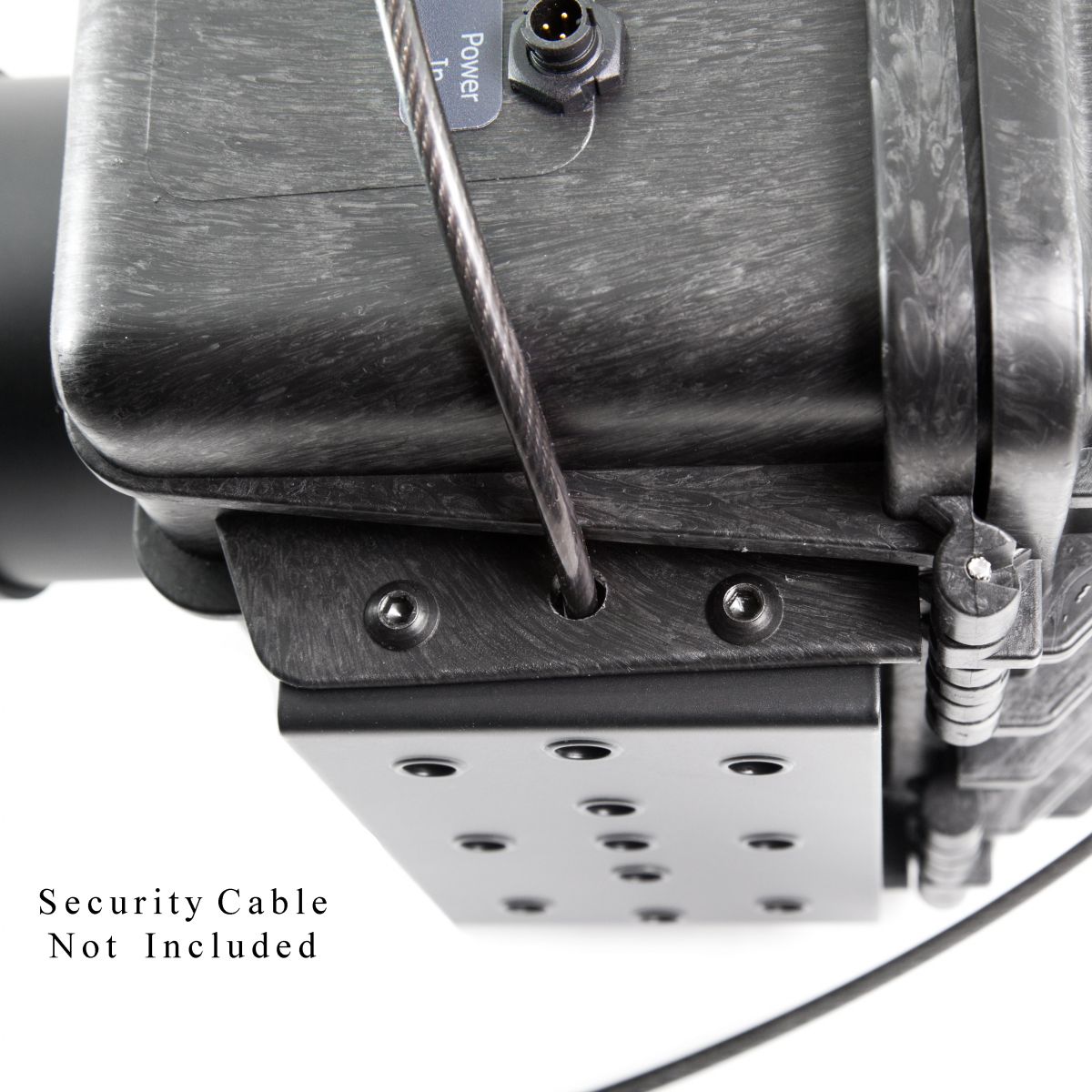
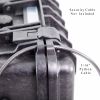
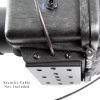
- Security features for python cables and locks.
- The camera box is vented with an ePTFE waterproof membrane to prevent pressure from developing inside the box. This dramatically improves seal performance and life.
- Includes a USB-C port for reprogramming Caemra Box firmware and supplying power to your camera.
- Camera controller fires the camera and sends a wireless "fire" signal to the Scout Flashes
- PIR #2 activates lighting bank on the right
- Receiver #1 starts video recording
- Receiver #2 takes several still photographs
Camera Box Mounting
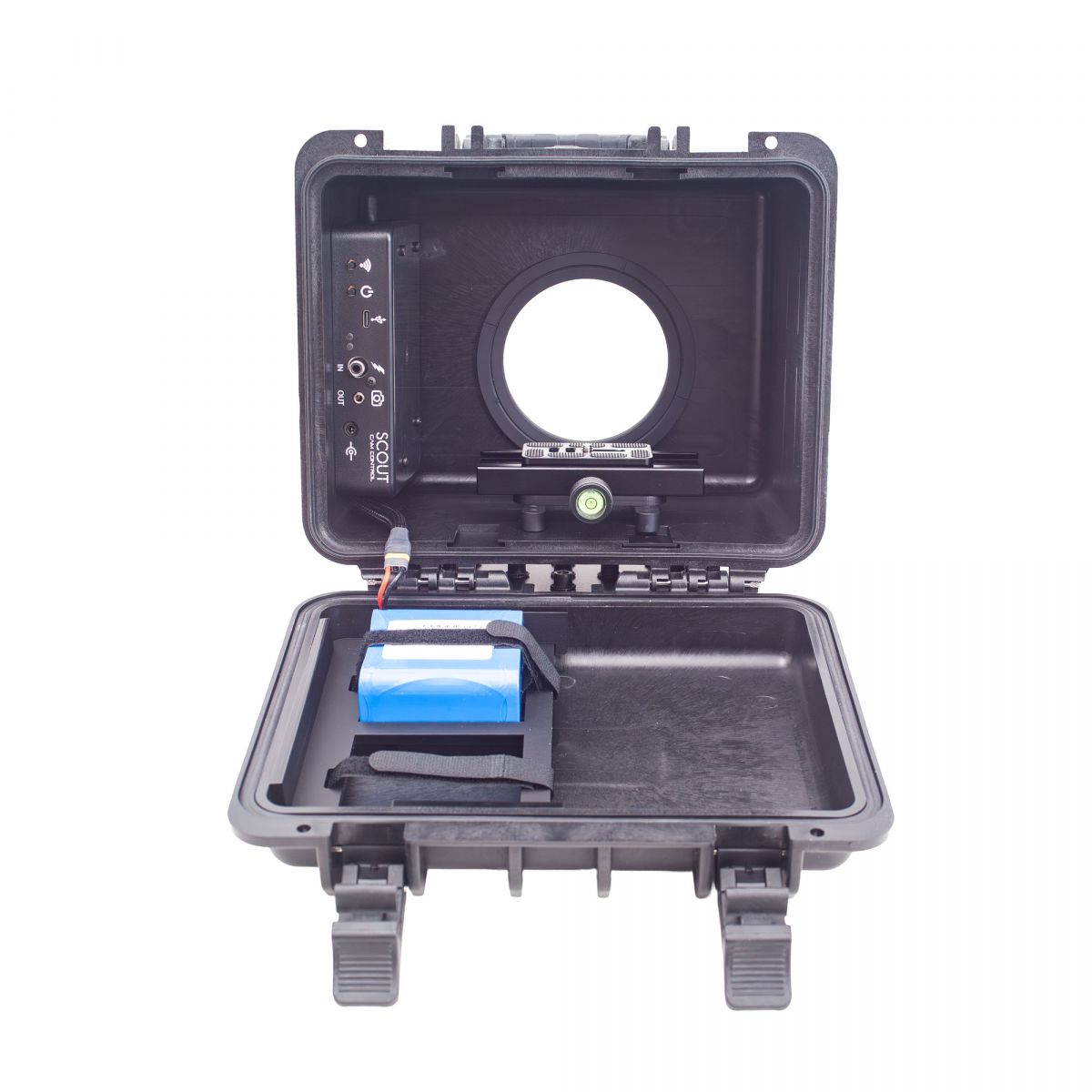
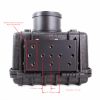
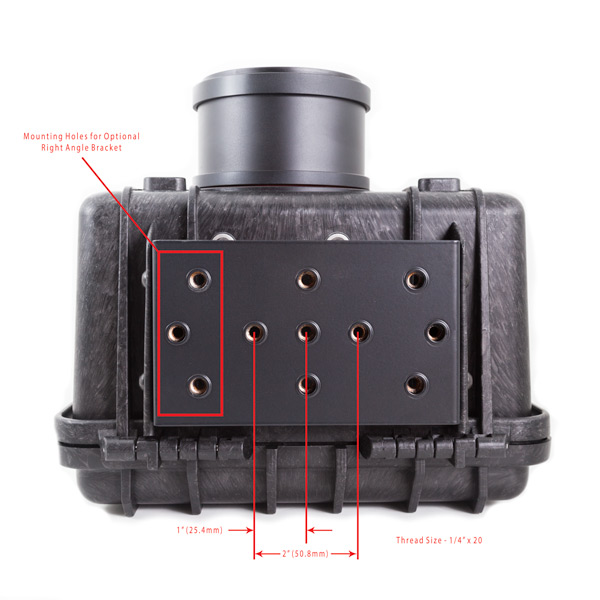
The Scout Camera Box also comes with a large mounting surface with several 1/4-20 mounting holes - the configuration can be seen in the image to the right. We even have a right angle mounting option that can be added for additional flexibility. We have found the most flexible mounting option to be installing a low cost arca plate to the base of the box and using an imported ball head and stake or tripod.
Configure With your Phone
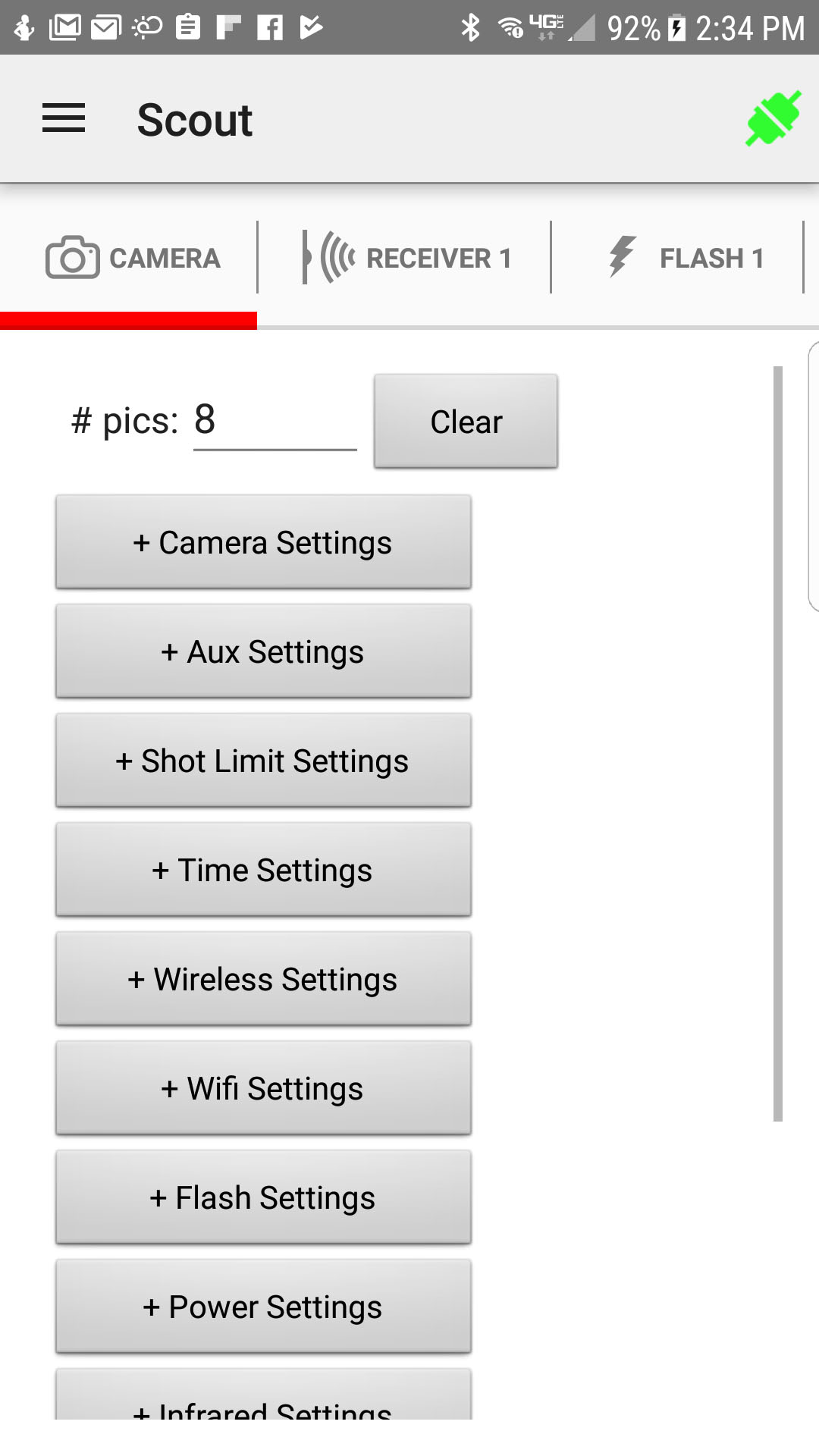
In addition to the box itself a lot of work went into the user interface of the camera controller in the box. For this you can use your mobile device that you are already carrying with you (iphone or Android). From here you can change all of the settings for the camera box, this includes: shutter timing, wake-up signals, power management, external load timing, hours you want the system active as well as any shot limits you want to add. Even the settings for your Scout Receiver can be set up through this interface.
Room in the Box - Selecting the Right Lens Tube
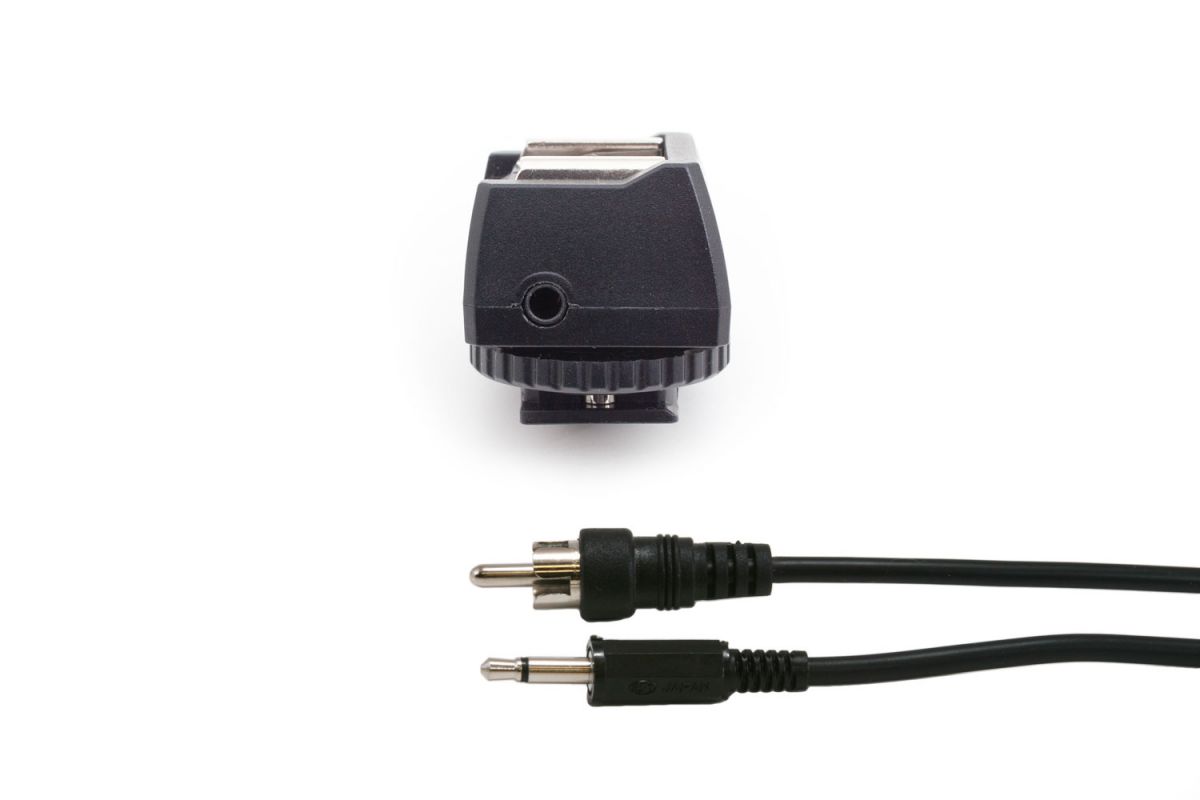
Use our new Camera Box Builder to help you figure out what shutter cable and lens tube you need for your camera box. Enter your cameras make and model and the builder will tell you what cable you need. Enter your lens dimensions and the builder will tell you if you should use the Standard or XLLT camera box and what lens tube will go with it.
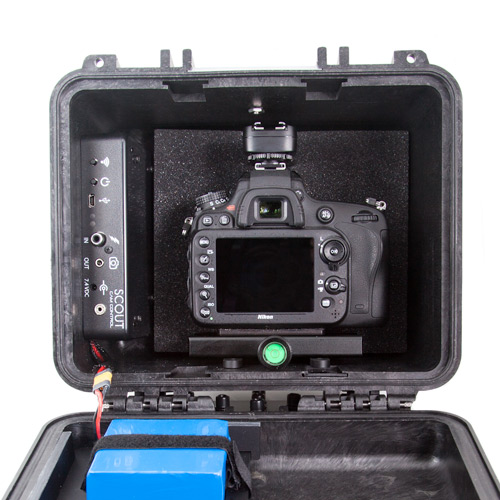
Camera Box Dimensions (length x depth x height)
Dimensions with box feet down:
Inside Box Dimensions: 9.5" x 7.1" x 6.1" (243 x 180 x 157 mm)
Outside Box Dimensions: 10.6" x 9.0" x 7.2" (270 x 231 x 185 mm)
Dimensions with box feet pointing in same axis as the lens (length x depth x height)
Space available for camera body: 8.2" x 4.5" x 7.1" (208 x 114 x 180 mm) Dimensions without included clamp
Space available for camera body: 8.2" x 4.5" x 5.5" (208 x 114 x 140 mm) Dimensions with included clamp
Determine Lens Tube Length
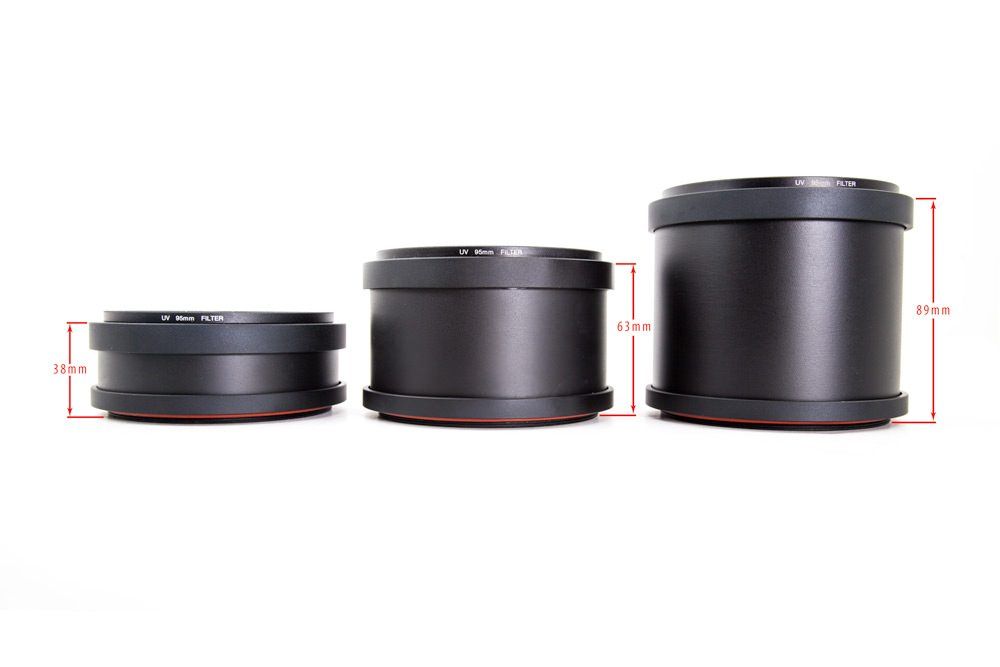
Measure the distance from the point furthest forward on your camera to the end of your lens - subtract 1 in or 24 mm and choose the shortest lens tube that will accommodate your lens. There are 4 lengths available, they have inside dimensions of 20mm, 35mm, 60mm and 85mm. You can also purchase additional tubes if needed.
This assumes your camera is tight up against the inside wall of the camera box - there is sufficient room in the box to move the camera back if needed. Both the foam mount and Arca Mount options allow for this adjustment. Also keep in mind that if you are using a wide angle lens you will want to have the lens as close to the lens tube filter as possible to minimize getting the camera box lens tube in your images.
The max lens diameter that will fit into the lens tube is 85mm (3.3 in).
There is enough room in the camera box to use a full frame camera with a wireless flash transmitter on the hot shoe (see image).
Frequently Asked Questions (FAQ)
Camera Box Specifications
| Specifications | MIN | NOM | MAX | UNITS |
| Input Voltage | 9 | 12 | 20 | Vdc |
| Input Current–Full on (*AA batteries/Li-Ion pack) | - | 60/33 | - | mAdc |
| Input Current–Sleep(8AA batteries / Li-Ion pack) | - | 0.65/0.44 | - | mAdc |
| Shutter/Aux Output Current Sink | - | - | 1 | Adc |
| Battery life (internal - Eneloop batteries at 25C) | - | 100 | 140 | days |
| Real-time clock life without batteries | - | 16 | - | hours |
| Wireless Range | - | 15 | 30 | m |
| - | 50 | 100 | feet | |
| Operating Temperature | -40 | 25 | 80 | C |
| -40 | 77 | 176 | F |
Technical Highlights
- 32-bit power optimized ARM Processor
- Wifi 802.11 a/b/g/n
- Wireless connectivity: Proprietary 2.4GHz
- Real-time clock for time-windowed triggering (two windows provided)
- Powered by 8 AA batteries, Li-Ion battery pack, or external power
- Power for camera (with optional dc coupler / dummy battery)
- Camera flash sync input
- Flash sync output
- Flash wake output
- All outputs are open drain (Can be used for flash, shutter, or relays)
- USB for reprogramming
Scout Cam Box Resources
Owner's Manual

Firmware Updates

Software

Li-Ion Battery Resources


-

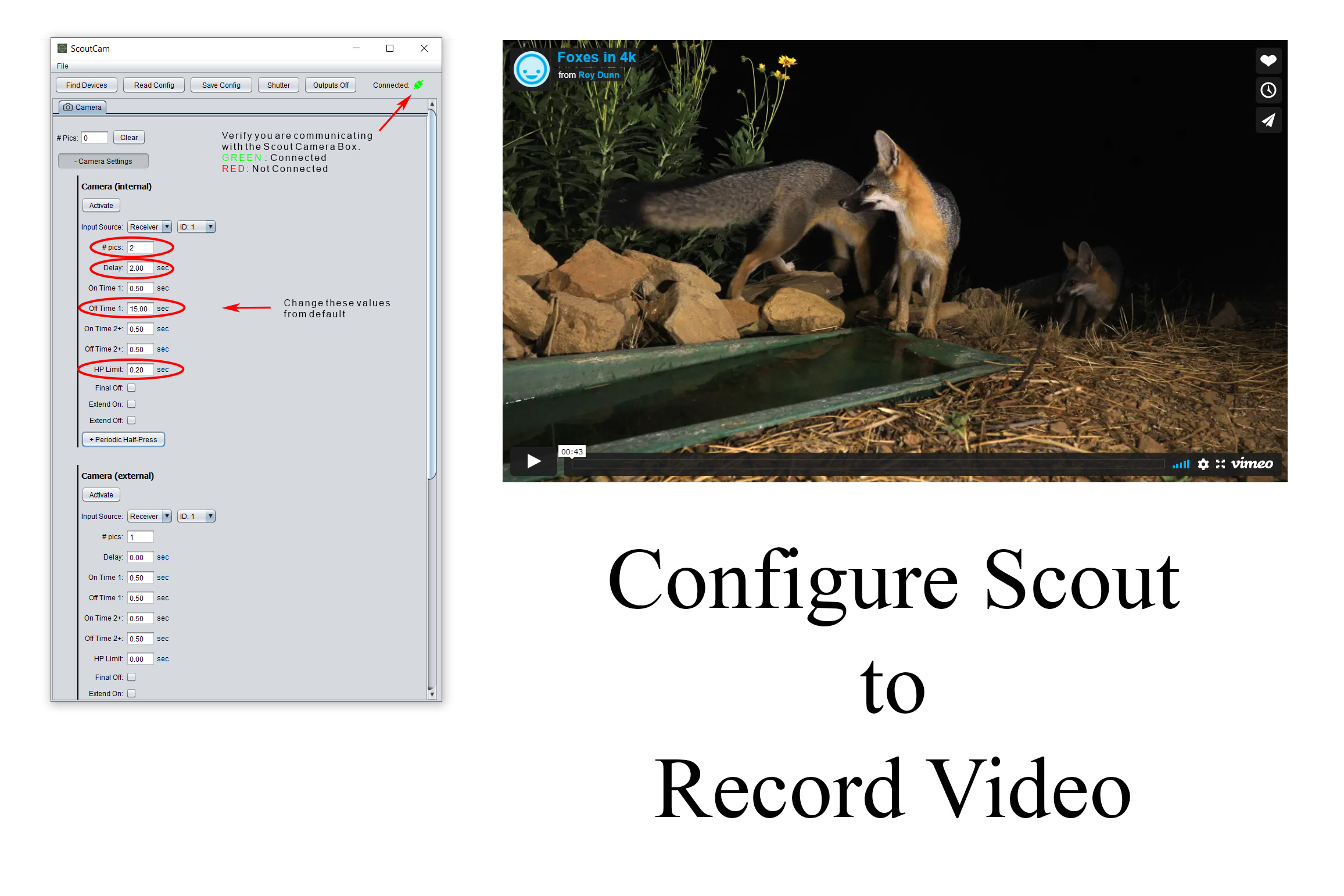
Roy Dunn goes into detail on how to set up both a video and still camera trap at the same site -
-
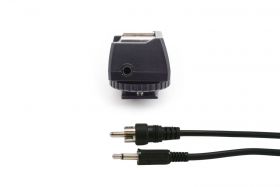
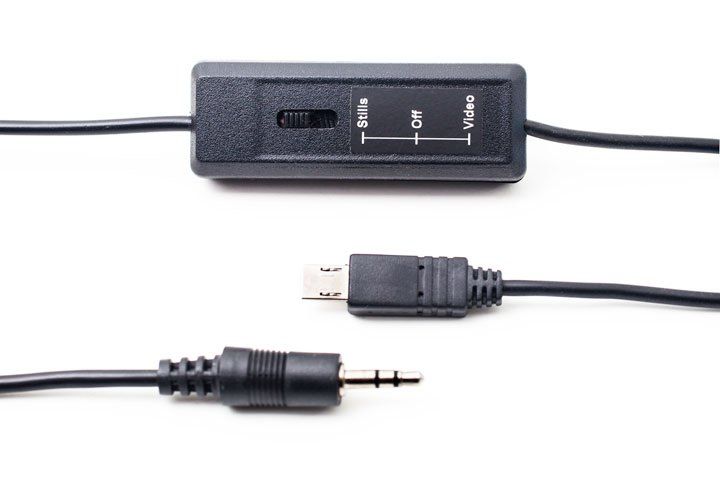
Want to use the Scout Camera Box for video - this post will show you the cable you need as well a
-
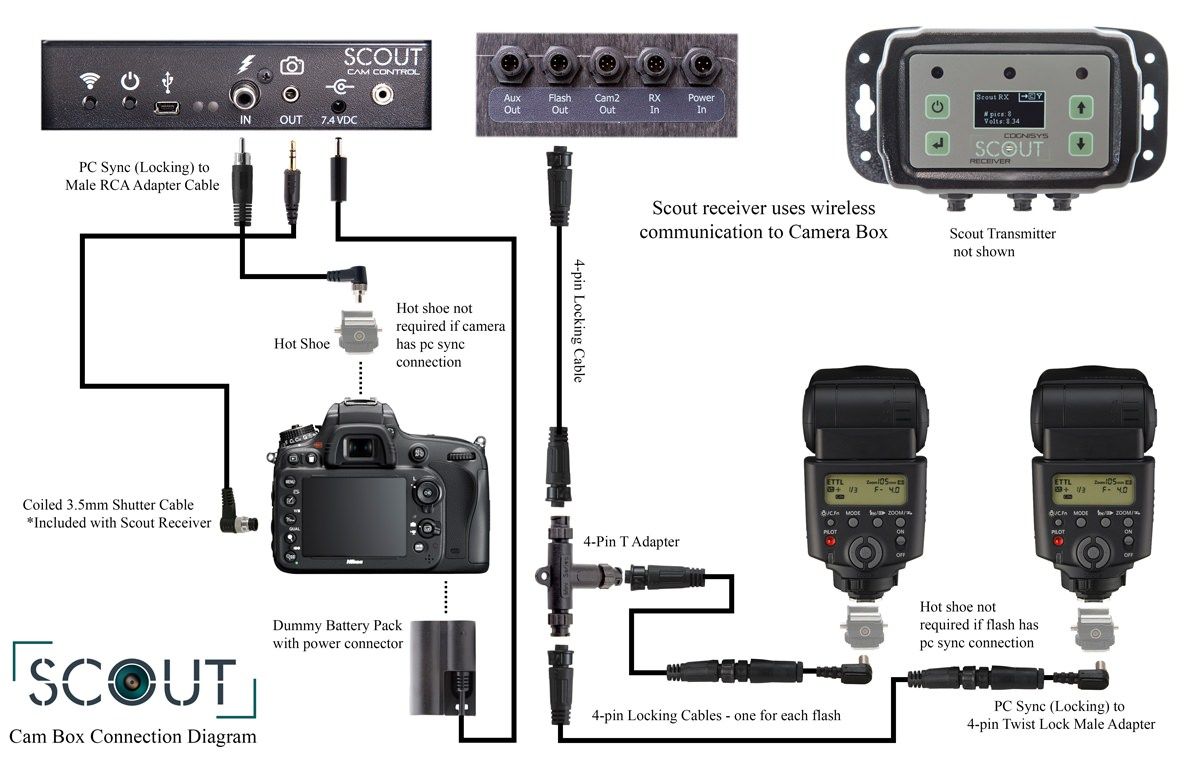
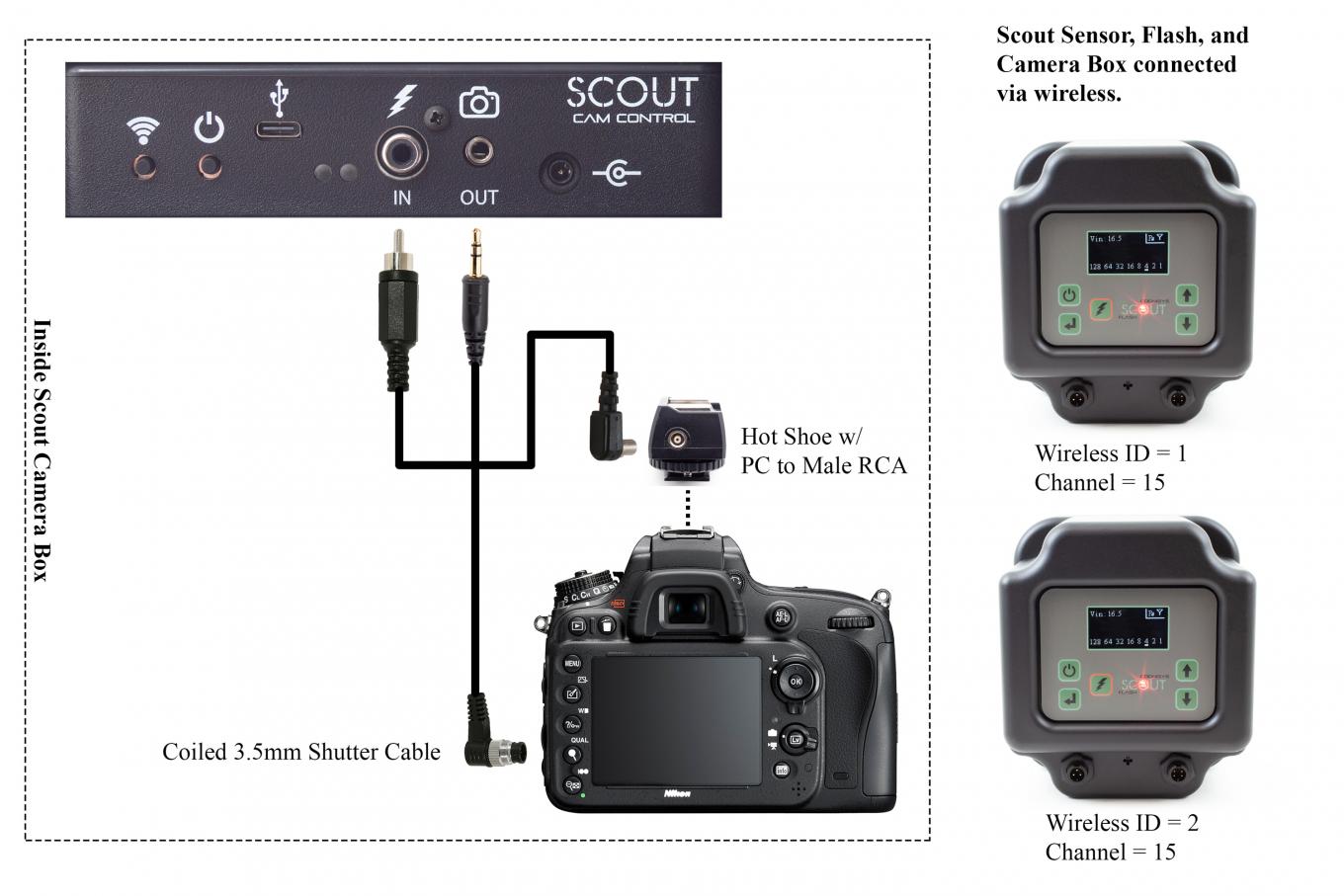
Learn how to connect your camera and flashes to the Scout Camera Box.
-
Tom Mason walks through setting up a camera traps in Peru. Tom talks through the equipment


Connecting the Camera Box
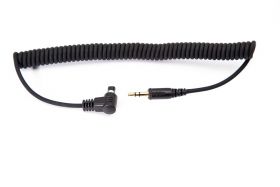
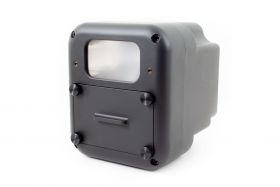
Camera Box Accessories:
-
As low as $499.00
-
As low as $489.00
-
As low as $439.00
-
As low as $319.00
-
$34.00
-
Starting at $3.99
-
Starting at $5.99
-
Starting at $39.00
-
$29.00
-
$89.00
-
As low as $169.00
-
$49.00
Customer Videos Captured with Scout
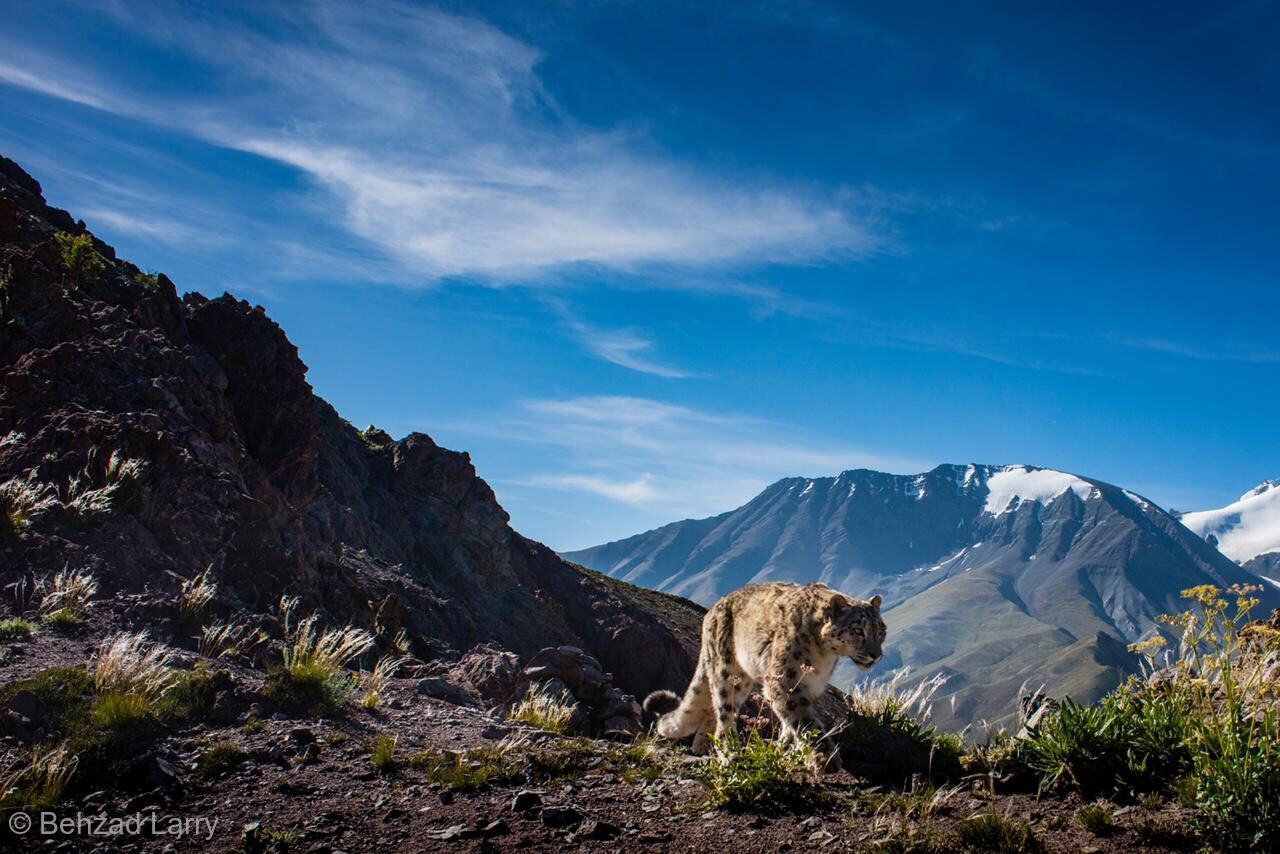
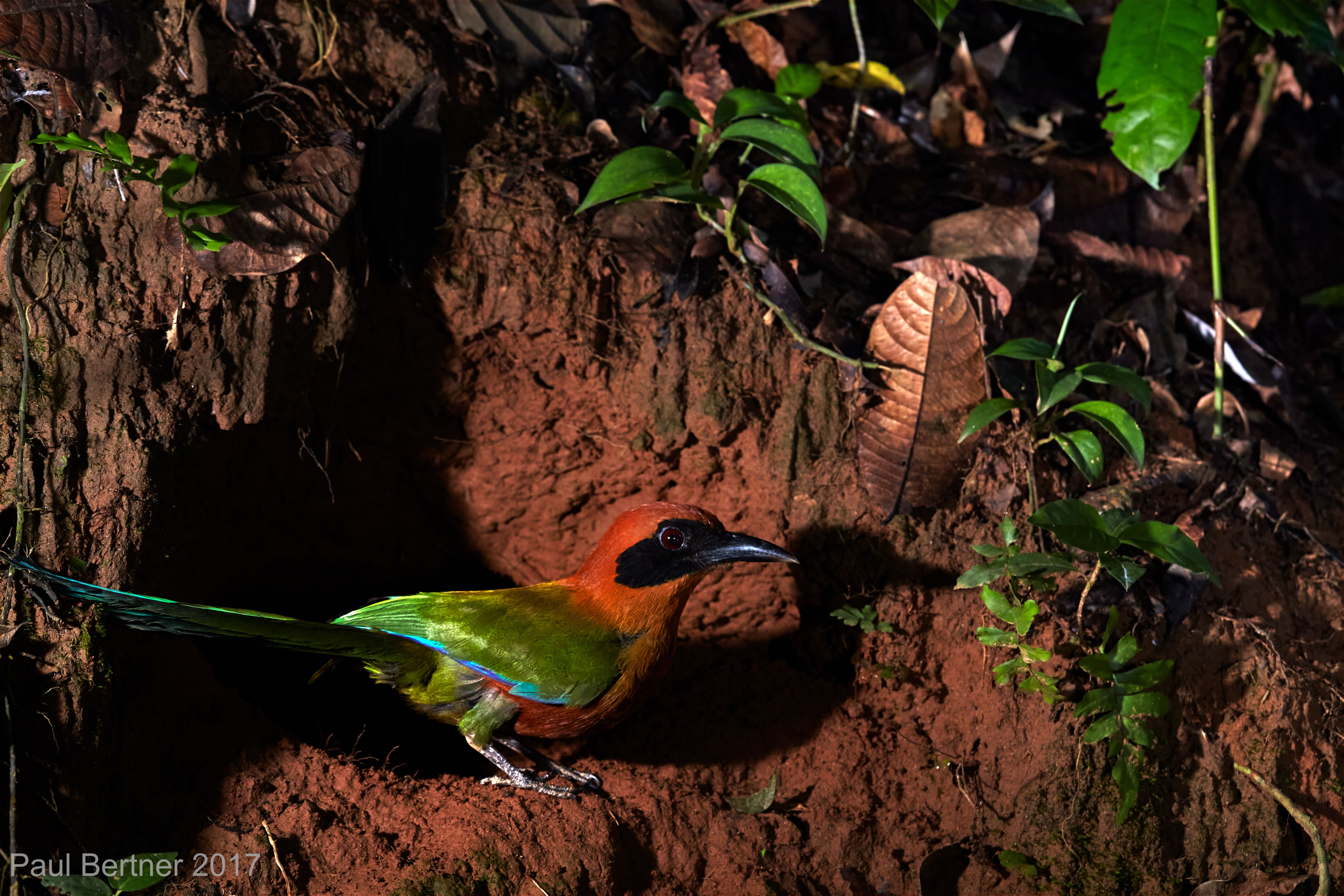
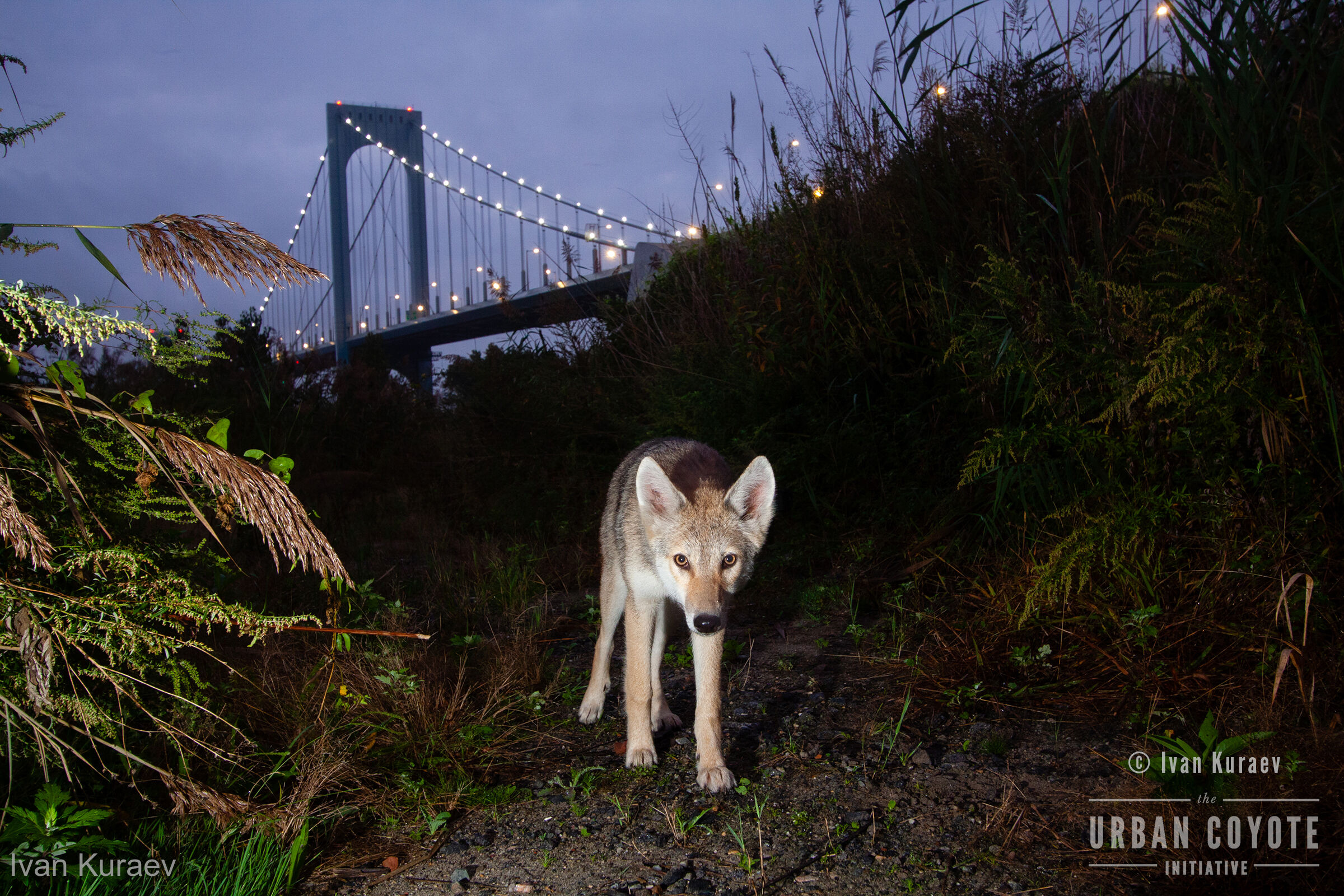
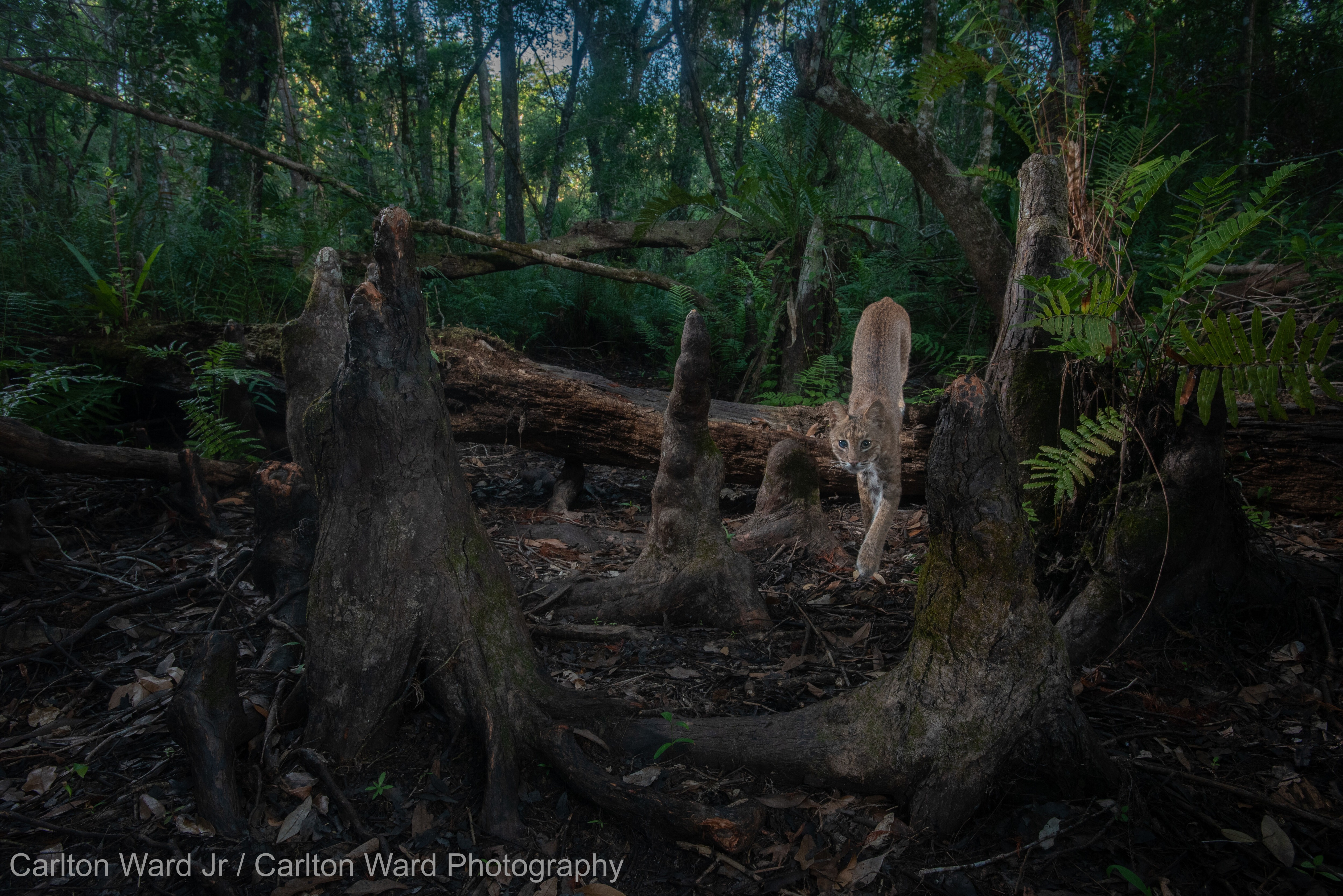
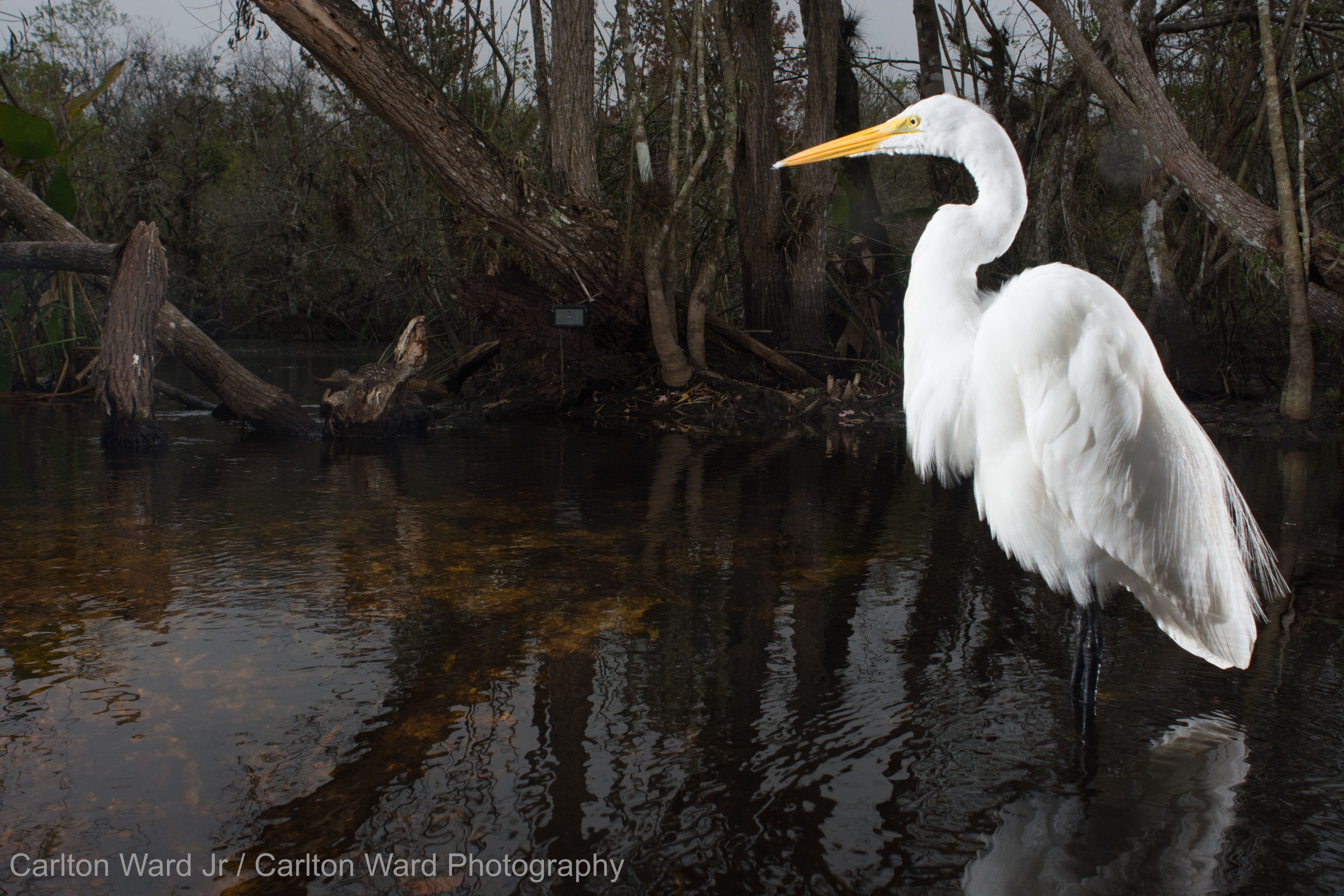
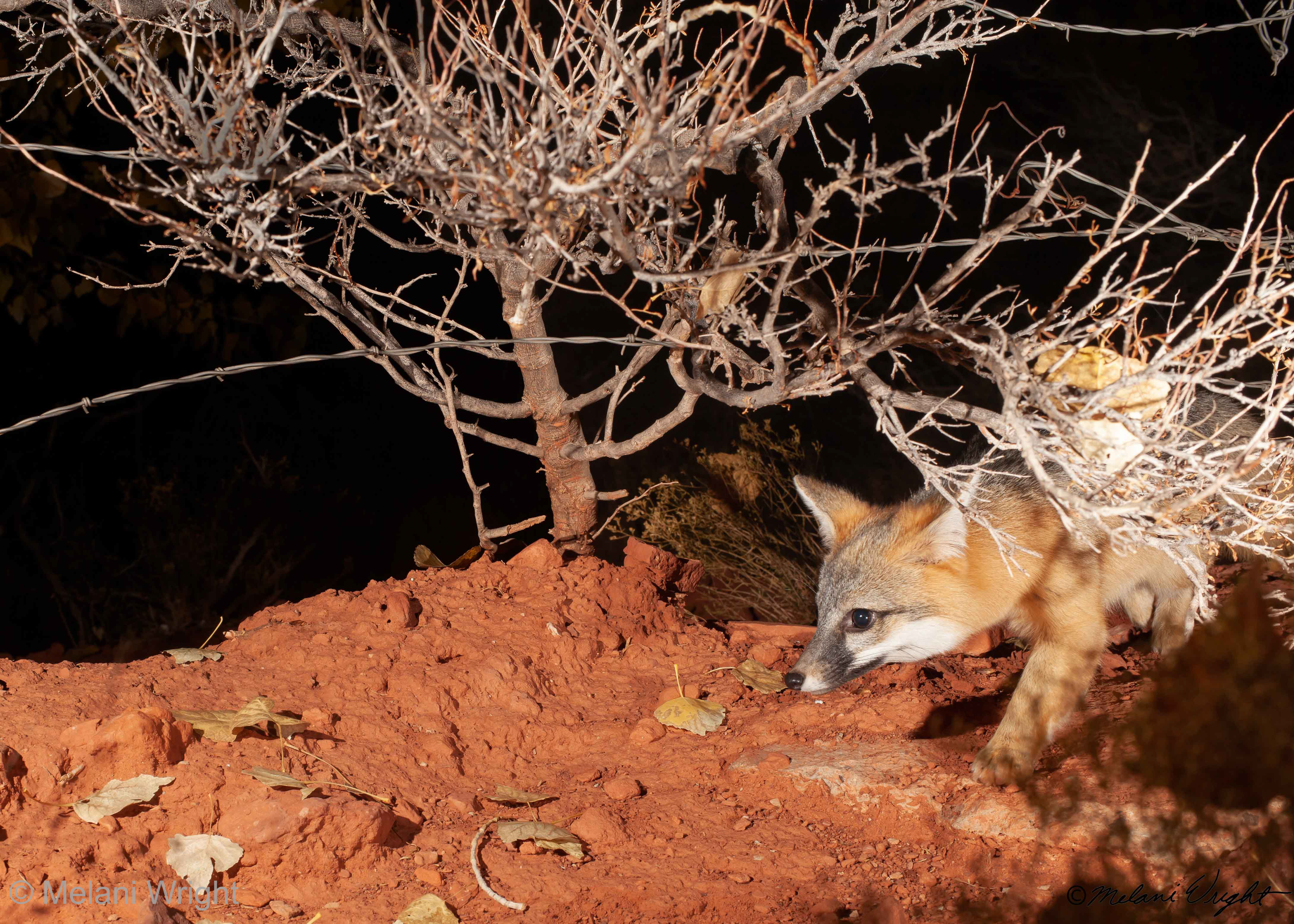
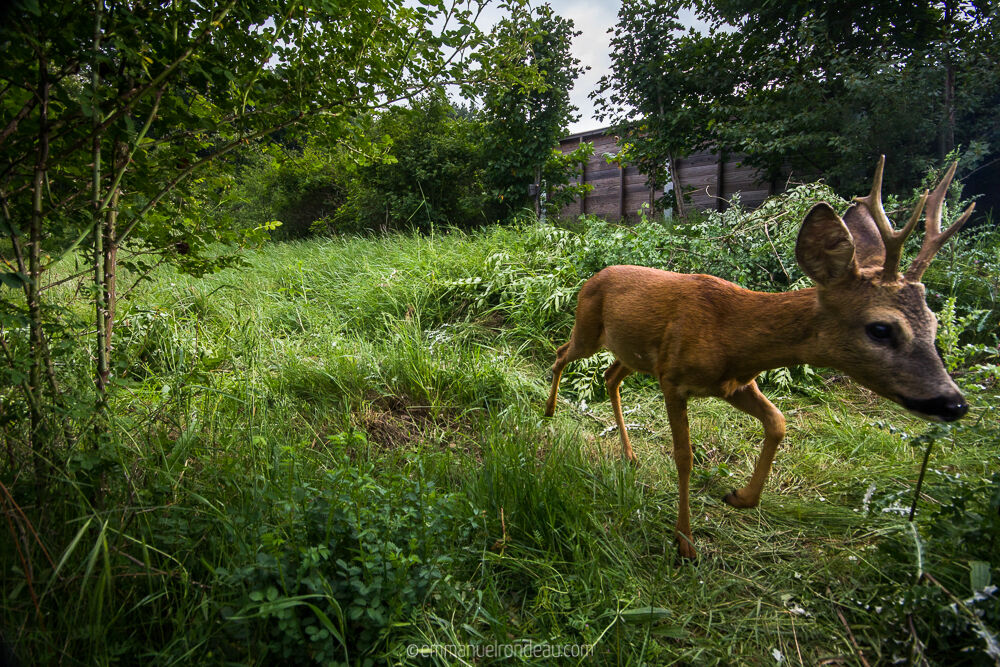
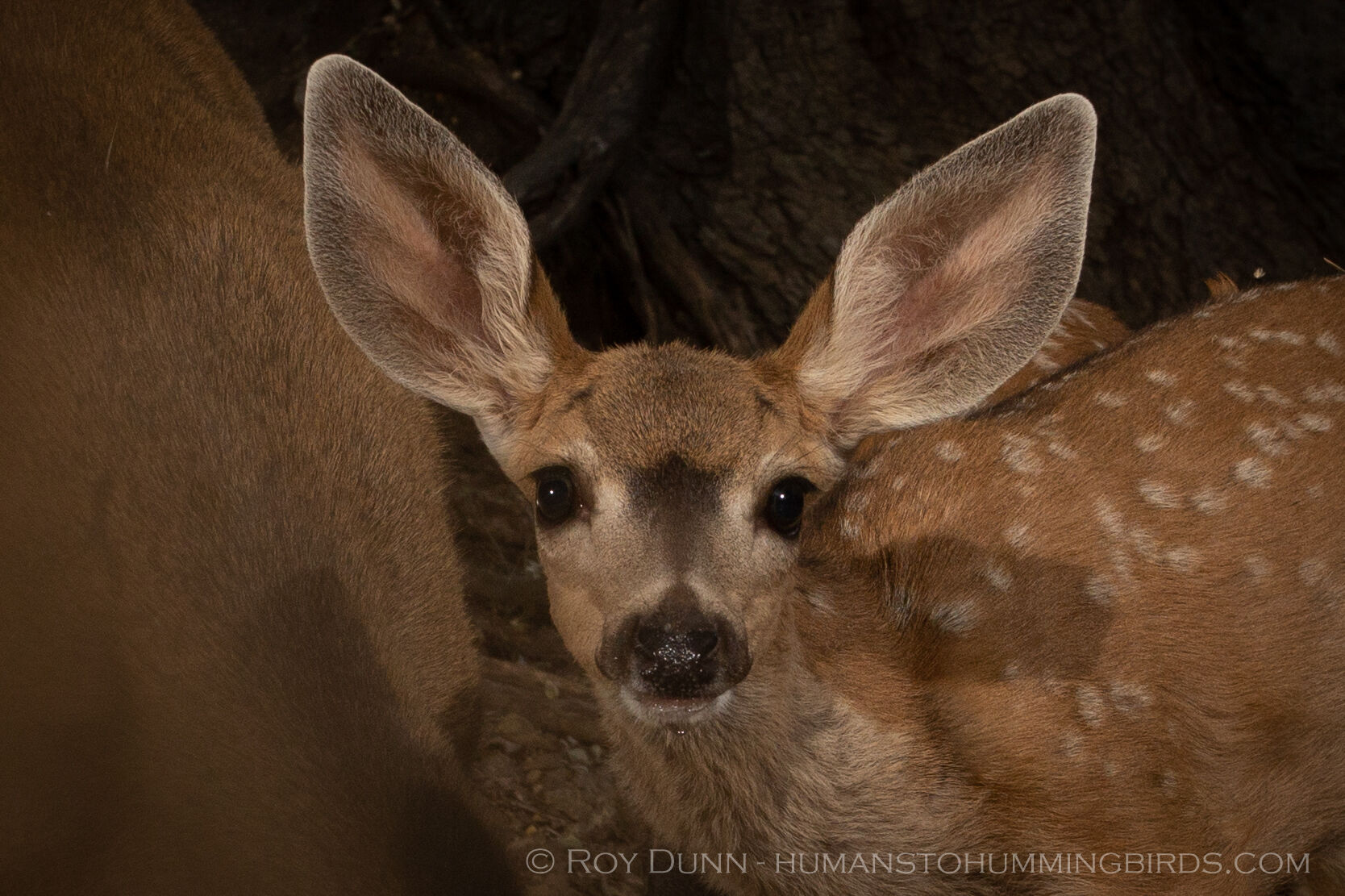
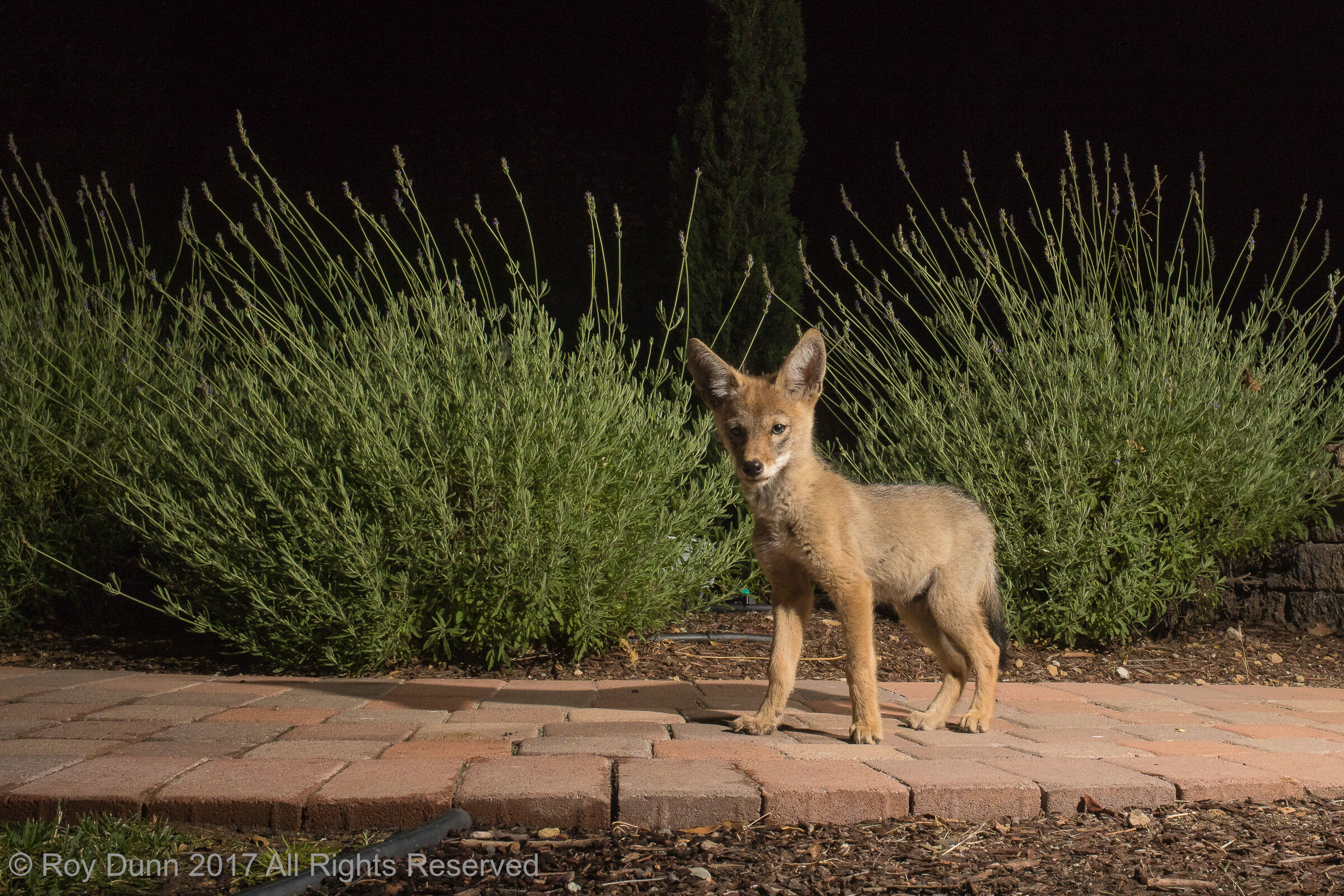
Customer Images Captured with the Scout Camera Trapping System